Home Inventory App: The Complete Guide to Tracking Your Household Items
Learn why you need a home inventory app and how to use one effectively. Track appliances, warranties, maintenance schedules, and more to protect your home and simplify your life.
What is a Home Inventory App?
A home inventory app is a digital tool for tracking everything you own in your home—from major appliances and electronics to furniture, valuables, and everyday items.
Think of it as a database of your household:
- What you own
- When you bought it
- How much it cost
- Where the warranty is
- When maintenance is due
This might sound excessive until you need it. Then it's invaluable.
Why You Need a Home Inventory
For Insurance Claims
Imagine your home floods, catches fire, or is burglarized. Your insurance company asks: "What did you lose? Prove it."
Without an inventory:
- You'll forget items (especially things in closets, garages, and storage)
- You'll underestimate values
- You'll lack proof of ownership
- Claims will be delayed, disputed, or underpaid
With an inventory:
- You have a complete list ready
- Values and purchase dates are documented
- Photos or receipts prove ownership
- Claims process faster with full documentation
Insurance professionals universally recommend home inventories. Most people don't have one until after they need it.
For Warranty Tracking
Modern homes contain dozens of items with warranties:
- Appliances (refrigerator, dishwasher, washer, dryer, HVAC)
- Electronics (TV, computer, speakers)
- Furniture (some have 5-10 year warranties)
- Tools and equipment
Without tracking:
- Warranties expire without you knowing
- You can't find proof of purchase when something breaks
- You pay for repairs covered under warranty
With tracking:
- You know what's under warranty and until when
- Purchase receipts and warranty docs are digitally stored
- You get reminders before warranties expire
For Maintenance Scheduling
Many household items require regular maintenance:
- HVAC filter replacement (every 1-3 months)
- Water heater flushing (annually)
- Refrigerator coil cleaning (every 6-12 months)
- Gutter cleaning (twice yearly)
- Dryer vent cleaning (annually)
- Smoke detector battery replacement (annually)
Without tracking:
- Maintenance gets forgotten
- Appliances wear out faster
- Problems develop that could have been prevented
- You void warranties by skipping required maintenance
With tracking:
- Scheduled reminders for each maintenance task
- History of what was done and when
- Longer appliance life from proper care
For Resale Value
When selling items, documented history adds value:
- Proof of purchase date and price
- Maintenance records showing proper care
- Warranty transfer information
- Original manuals and documentation
For Estate Planning
An inventory helps family members:
- Know what exists and where it is
- Understand the value of items
- Locate important documents
- Make informed decisions about distribution
What to Track in Your Home Inventory
Tier 1: High-Value Items (Essential)
These should absolutely be in any inventory:
| Category | Examples |
|---|---|
| Major appliances | Refrigerator, oven, dishwasher, washer, dryer, HVAC |
| Electronics | TVs, computers, tablets, gaming consoles, cameras |
| Furniture (expensive) | Sofas, beds, dining sets, antiques |
| Jewelry and watches | Engagement rings, heirloom pieces, luxury watches |
| Art and collectibles | Paintings, sculptures, collections |
| Vehicles | Cars, motorcycles, boats (if applicable) |
| Outdoor equipment | Lawnmower, grill, power tools, bikes |
| Musical instruments | Pianos, guitars, professional equipment |
For these items, track:
- Make and model
- Serial number (if applicable)
- Purchase date and price
- Where purchased
- Warranty expiration
- Photo
- Location in home
- Replacement value (what it would cost to replace today)
Tier 2: Medium-Value Items (Recommended)
Worth tracking for insurance and organization:
| Category | Examples |
|---|---|
| Small appliances | Coffee maker, blender, instant pot, air fryer |
| Electronics | Speakers, headphones, smart home devices |
| Furniture | Bookshelves, desks, chairs, lamps |
| Clothing (expensive) | Designer items, winter coats, formal wear |
| Tools | Power tools, hand tools, garden equipment |
| Sports equipment | Golf clubs, skis, exercise equipment |
| Books and media | Valuable collections, first editions |
For these items, track:
- Item description
- Approximate value
- Purchase year
- Photo (optional but helpful)
Tier 3: General Household (Optional)
For comprehensive coverage:
- Kitchen items (pots, pans, small appliances)
- Linens and bedding
- Decorative items
- Books and media
- Clothing (general)
- Toys and games
You don't need serial numbers for every pot and pan, but estimated category values help with insurance claims.
Room-by-Room Inventory Checklist
Living Room
- Sofa/sectional
- Chairs and recliners
- Coffee table and end tables
- TV and entertainment center
- Sound system/speakers
- Gaming consoles
- Lamps and lighting
- Rugs and curtains
- Art and decorations
- Books and media
Kitchen
- Refrigerator
- Oven/range
- Dishwasher
- Microwave
- Small appliances (list each)
- Cookware and bakeware
- Dishes and glassware
- Cutlery and utensils
- Table and chairs
Bedrooms
- Beds and mattresses
- Dressers and nightstands
- Desks and chairs
- TVs or computers
- Jewelry (itemize valuable pieces)
- Clothing (estimate value by category)
- Shoes (estimate value)
- Bedding and linens
Bathrooms
- Any electronics (scale, electric toothbrush, etc.)
- Valuable toiletries and tools
- Towels and linens
Home Office
- Computer/laptop
- Monitor(s)
- Printer/scanner
- Desk and chair
- Office supplies (estimated value)
- Filing cabinets
- Important documents (note location, not content)
Garage/Basement/Storage
- Lawnmower and yard equipment
- Power tools
- Hand tools
- Bicycles
- Sports equipment
- Seasonal items (holiday decorations, etc.)
- Luggage
- Camping/outdoor gear
- Stored furniture
Outdoor
- Patio furniture
- Grill
- Outdoor lighting
- Garden equipment
- Shed contents
Tracking Appliance Warranties and Maintenance
Warranty Information to Record
For each major appliance:
- Purchase date
- Warranty start date (sometimes different from purchase)
- Warranty end date
- What's covered (parts, labor, both)
- Warranty provider contact info
- Registration confirmation
- Receipt/proof of purchase
Common Maintenance Schedules
| Item | Task | Frequency |
|---|---|---|
| HVAC | Replace filter | Every 1-3 months |
| HVAC | Professional service | Annually |
| Water heater | Flush sediment | Annually |
| Water heater | Check anode rod | Every 3-5 years |
| Refrigerator | Clean coils | Every 6-12 months |
| Refrigerator | Replace water filter | Every 6 months |
| Dishwasher | Clean filter | Monthly |
| Dishwasher | Deep clean | Every 3-6 months |
| Washer | Clean drum | Monthly |
| Dryer | Clean lint trap | Every use |
| Dryer | Clean vent duct | Annually |
| Garbage disposal | Clean and deodorize | Monthly |
| Range hood | Clean filter | Every 1-3 months |
| Smoke detectors | Test | Monthly |
| Smoke detectors | Replace batteries | Annually |
| Fire extinguisher | Inspect | Annually |
| Gutters | Clean | Twice yearly (spring/fall) |
| Windows | Inspect seals | Annually |
Using Your Inventory for Insurance Claims
Before a Loss
- Document everything: Photos, receipts, serial numbers
- Store securely: Cloud backup or off-site storage
- Keep updated: Add new purchases, remove sold/donated items
- Know your coverage: Understand what your policy covers and limits
After a Loss
- Contact your insurer: Report the loss immediately
- Provide your inventory: Export your list with all documentation
- Document the damage: Photos and videos of affected areas
- Keep receipts: For temporary repairs or replacement purchases
- Track everything: Conversations, claim numbers, timelines
What Insurance Adjusters Want to See
- Proof of ownership: Receipts, photos of items in your home
- Age and condition: When purchased, how well maintained
- Value: What you paid, what it costs to replace
- Serial numbers: For electronics and appliances
- Detailed descriptions: Make, model, color, features
A comprehensive inventory provides all of this in one place.
How to Get Started: Tips for Building Your Inventory
Building a complete home inventory seems overwhelming. Here's how to make it manageable:
Start with High-Value Items
Don't try to inventory everything at once. Start with:
- High-value items
- Anything with a warranty
- Items that would be difficult to replace
- Things you'd definitely want insurance to cover
This gives you immediate protection for your most valuable items.
Use the "One Room at a Time" Method
Schedule time to inventory one room per day or week:
- Monday: Living room
- Tuesday: Kitchen
- Wednesday: Master bedroom
- And so on...
This prevents burnout and ensures thoroughness.
Photograph as You Go
Photos serve as proof of ownership and condition:
- Take wide shots showing items in context
- Take close-ups of serial numbers and model numbers
- Photograph receipts before they fade
- Store photos with the inventory entry
Leverage Purchase History
Many purchases are already documented:
- Email receipts (search "order confirmation")
- Credit card statements
- Amazon/retailer purchase history
- Warranty registration emails
Use these to fill in purchase dates and prices.
Add New Items Immediately
Once your initial inventory is done, add new purchases right away:
- Add items the day you buy them
- Photograph the receipt
- Record warranty information
- Set maintenance reminders if applicable
This takes 2 minutes per item and keeps your inventory current.
Schedule Quarterly Reviews
Set a reminder to review your inventory:
- Remove items you've sold, donated, or discarded
- Update values for items that have changed
- Verify everything is still documented
- Check for new items you forgot to add
Paper vs. Spreadsheet vs. App
Paper Method
Pros:
- Simple to start
- No technology learning curve
Cons:
- Easily lost (especially in a fire/flood)
- Hard to update
- Difficult to search
- No backup
- Can't attach photos easily
Verdict: Not recommended for primary inventory
Spreadsheet Method
Pros:
- Customizable
- Can be stored in cloud (backup)
- Searchable
- Can include photos (links)
Cons:
- Manual data entry
- Easy to neglect
- No reminders or automation
- Sharing can be complicated
Verdict: Decent option if you maintain it
Dedicated App
Pros:
- Purpose-built features
- Easy photo attachment
- Automatic backups
- Maintenance reminders
- Barcode scanning
- Sharing built-in
- Mobile access
Cons:
- Learning curve
- Subscription cost (sometimes)
- Data portability concerns
Verdict: Best option for most people
Beyond Traditional Inventory: The Connected Home
Traditional home inventory apps focus on listing items. But household management is about more than just listing—it's about using that information.
Connecting Inventory to Daily Life
What if your inventory connected to:
- Shopping lists: Know when you're running low on consumables
- Meal planning: Track what's in your pantry and fridge
- Maintenance schedules: Get reminders when filters need changing
- Expiration tracking: Know when food or supplies expire
- Warranty alerts: Get notified before warranties expire
This is the difference between a static list and a living system.
The All-in-One Approach
Traditional inventory apps are standalone tools. But your household has interconnected needs:
- Knowing what's in your pantry affects meal planning
- Meal planning affects shopping lists
- Appliance maintenance is a scheduled task
- Running low on items triggers shopping
When these systems work together, household management becomes effortless.
How Victualia Approaches Home Inventory
Victualia integrates inventory tracking with broader household management:
Pantry and Consumables Inventory
Track everything that gets used up:
- Food items with expiration dates
- Cleaning supplies
- Toiletries and personal care
- Pet supplies
- Paper goods
Get alerts when items are running low or about to expire. Never run out of essentials or throw away forgotten food.
Multi-Location Tracking
Organize by where things are stored:
- Refrigerator
- Freezer
- Pantry
- Bathroom cabinet
- Garage
- Multiple homes (vacation property, etc.)
Know exactly where everything is, across all your spaces.
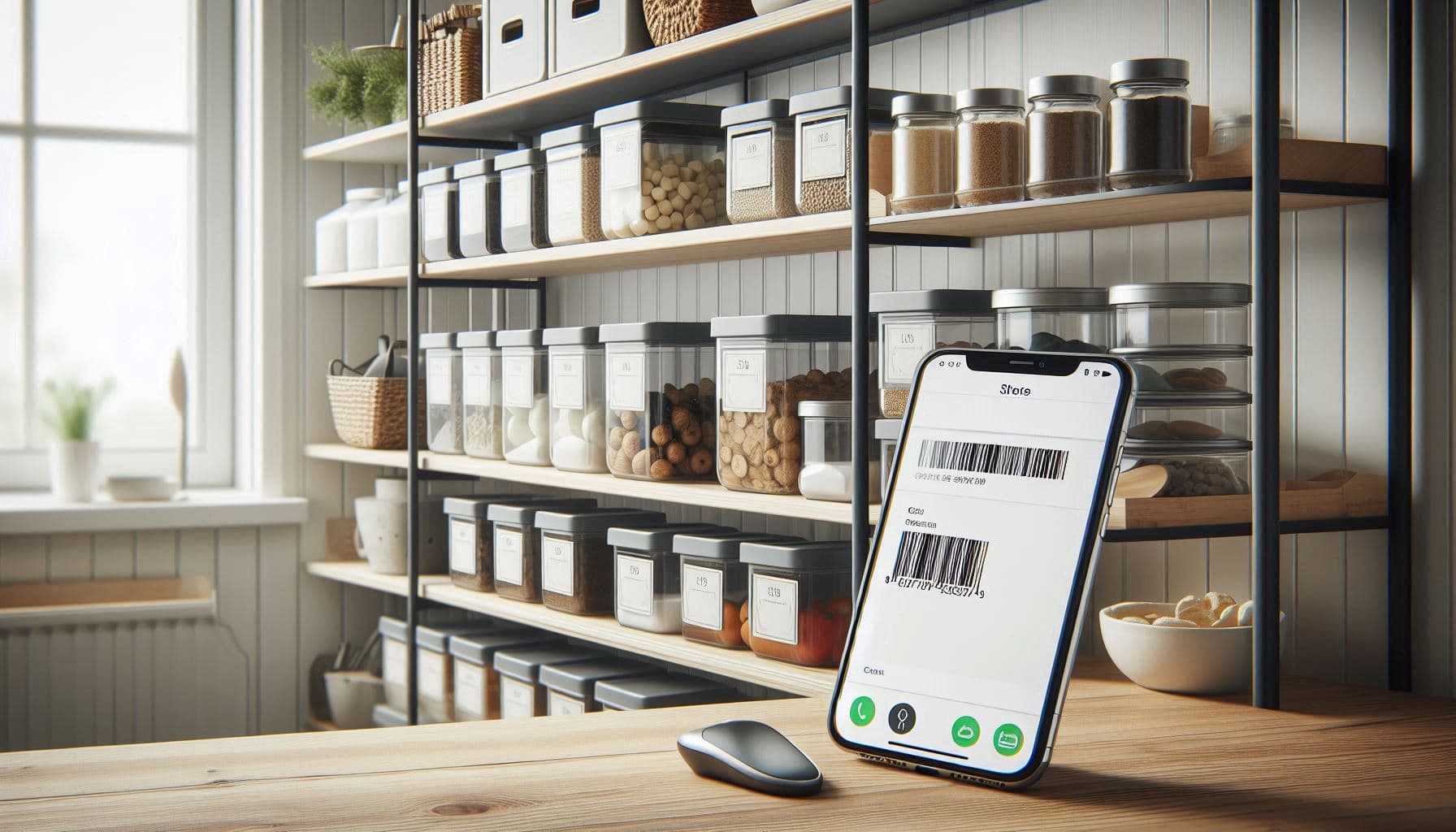
Barcode Scanning
On mobile, scan barcodes to add items quickly:
- Product details auto-populate
- No manual entry for common items
- Faster inventory building
Integration with Other Features
Your inventory connects to:
- Meal planning: AI suggests recipes based on what you have
- Shopping lists: Running-low items can be added automatically
- Tasks and reminders: Schedule maintenance for tracked items
- Expiration tracking: Get alerts before food or products expire
Future: Asset Tracking
Coming soon—track durable goods alongside consumables:
- Appliances with warranty information
- Electronics with purchase details
- Maintenance schedules and reminders
- Complete household coverage in one app
Frequently Asked Questions
How long does it take to create a home inventory?
For high-value items only: 2-4 hours. For a comprehensive inventory: 8-12 hours spread over several days. Start with the most important items and build over time.
Do I really need serial numbers for everything?
For high-value electronics and appliances, yes—serial numbers help prove ownership and are required for many insurance claims. For lower-value items, detailed descriptions and photos are sufficient.
How often should I update my inventory?
Add new purchases immediately (takes 2 minutes). Do a full review quarterly or whenever you make significant purchases/changes.
Where should I store my inventory?
Cloud storage is essential—a local-only inventory is useless if your computer is damaged in the same event that damages your home. Use an app with automatic cloud backup or store documents in cloud storage (Google Drive, iCloud, Dropbox).
My renter's/homeowner's insurance already covers everything. Why bother?
Insurance covers losses, but you have to prove what you lost and its value. Without documentation, claims are often underpaid or denied. An inventory makes the claims process faster and ensures fair compensation.
What if I rent?
Renters need inventories too—renter's insurance covers your belongings, not the structure. Everything inside your apartment needs documentation just like a homeowner's belongings.
Ready to start tracking your household? Get started with Victualia and manage your home inventory alongside meal planning, shopping lists, and more.
Related Articles
- Pantry Inventory App: Track Food, Reduce Waste, and Never Run Out — Learn specifically about food inventory tracking with expiration dates, running-low alerts, and integration with meal planning.