Family Organizer App: How to Manage Your Household in One Place
Discover how a family organizer app can simplify your household management. Learn what features matter most and how to get your whole family on the same page with shared calendars, meal planning, tasks, and more.
The Chaos of Managing a Modern Household
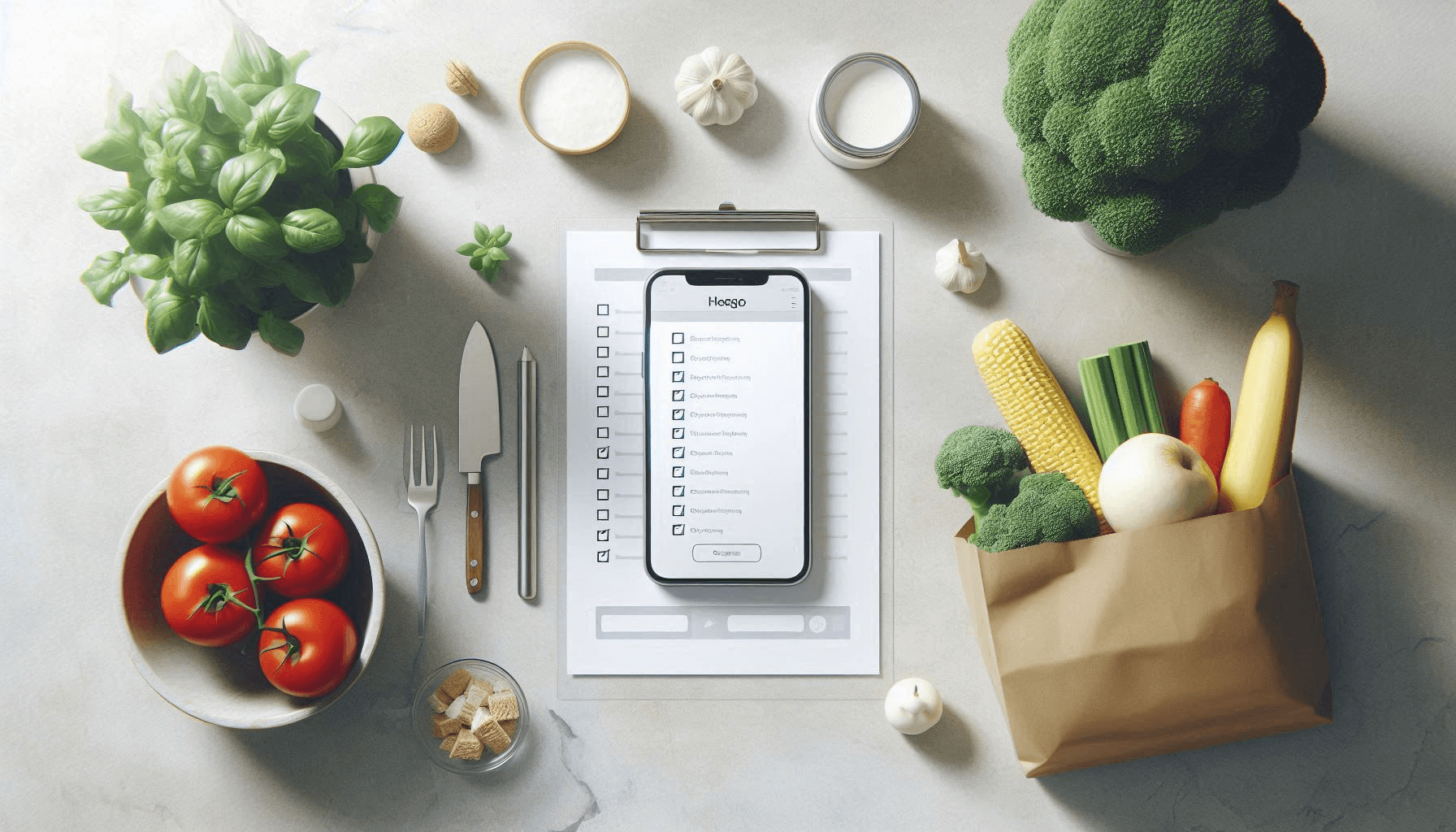
If you've ever left the grocery store only to realize you forgot the one thing you actually needed, you're not alone. Modern households juggle an overwhelming number of moving parts: work schedules, school activities, meal planning, shopping lists, household chores, appointments, and more.
Most families try to manage this chaos with a patchwork of solutions:
- A shared Google Calendar for appointments
- A notes app for the grocery list
- Text messages for "can you pick up milk?"
- A whiteboard for chores
- Recipe screenshots scattered across phones
- Mental notes for what's expiring in the fridge
The result? Information scattered everywhere, things falling through the cracks, and the dreaded question at 6 PM: "What's for dinner?"
Victualia brings your whole household together in one app. Share pantry inventory, shopping lists, meal plans, calendars, and tasks with real-time sync across all devices. Everyone sees the same information, and changes appear instantly for the whole family. Get started with Victualia.
What is a Family Organizer App?
A family organizer app is a single platform where your entire household can coordinate schedules, share lists, plan meals, and manage tasks together. Instead of switching between five different apps (and still forgetting things), everything lives in one place.
The best family organizer apps share these core characteristics:
- Shared access: Everyone in the household can view and contribute
- Real-time sync: Changes appear instantly on all devices
- Multi-purpose: Handles more than just one type of organization
- Mobile-friendly: Works on phones where you actually need it
Key Features to Look For
Not all family organizer apps are created equal. Here's what separates the useful ones from the frustrating ones:
1. Shared Calendar
The foundation of family coordination. Look for:
- Color-coding by family member
- Recurring events (weekly soccer practice, monthly bills)
- Reminders that actually notify everyone who needs to know
- Easy event creation without too many required fields
2. Shopping Lists
The grocery list is deceptively important. Good implementations include:
- Shared lists that update in real-time
- Quick item entry (no one wants to fill out a form for "eggs")
- Store-specific lists if you shop at multiple places
- The ability to check off items while shopping
3. Meal Planning
The answer to "what's for dinner?" should be in your app:
- Weekly meal plan view
- Connection to recipes so you know what to cook
- Shopping list generation from meal plans
- Flexibility to swap days or skip meals
4. Task Management
Household chores and to-dos need a home:
- Shared task lists visible to everyone
- Ability to assign tasks to family members
- Recurring tasks for regular chores
- Simple completion tracking
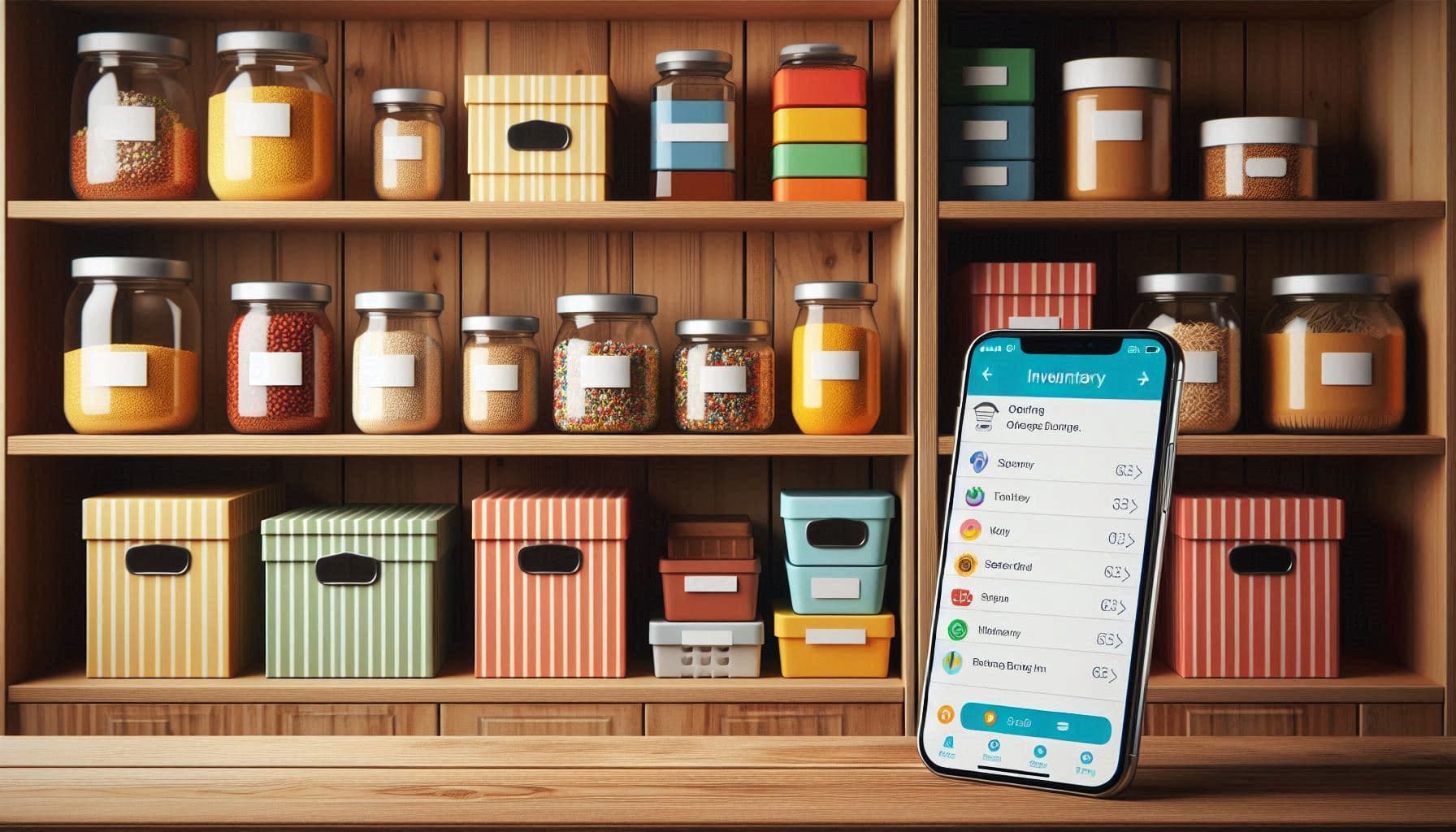
5. Inventory or Pantry Tracking
This is where many apps fall short, but it's incredibly useful:
- Know what you already have before shopping
- Track expiration dates to reduce waste
- Get alerts when items are running low
- Stop buying duplicates of things you already own
Beyond Calendars: The All-in-One Approach
The problem with using separate apps for each function is friction. Every time you switch apps, there's cognitive overhead. And worse, the apps don't talk to each other.
When your meal plan lives in one app and your shopping list in another, you're manually copying ingredients. When your pantry inventory is a mental note, you're buying duplicates or letting food expire.
The real power of a family organizer comes from integration:
- Your meal plan knows what recipes you're cooking
- Your shopping list knows what's already in your pantry
- Your tasks connect to your calendar for scheduling
- Everything syncs across all family members automatically
This connected approach eliminates the mental overhead of keeping everything straight in your head.
How Victualia Brings It All Together
Victualia was built specifically as an all-in-one household management platform. Here's how the features work together:
Pantry Inventory
Track everything you have at home:
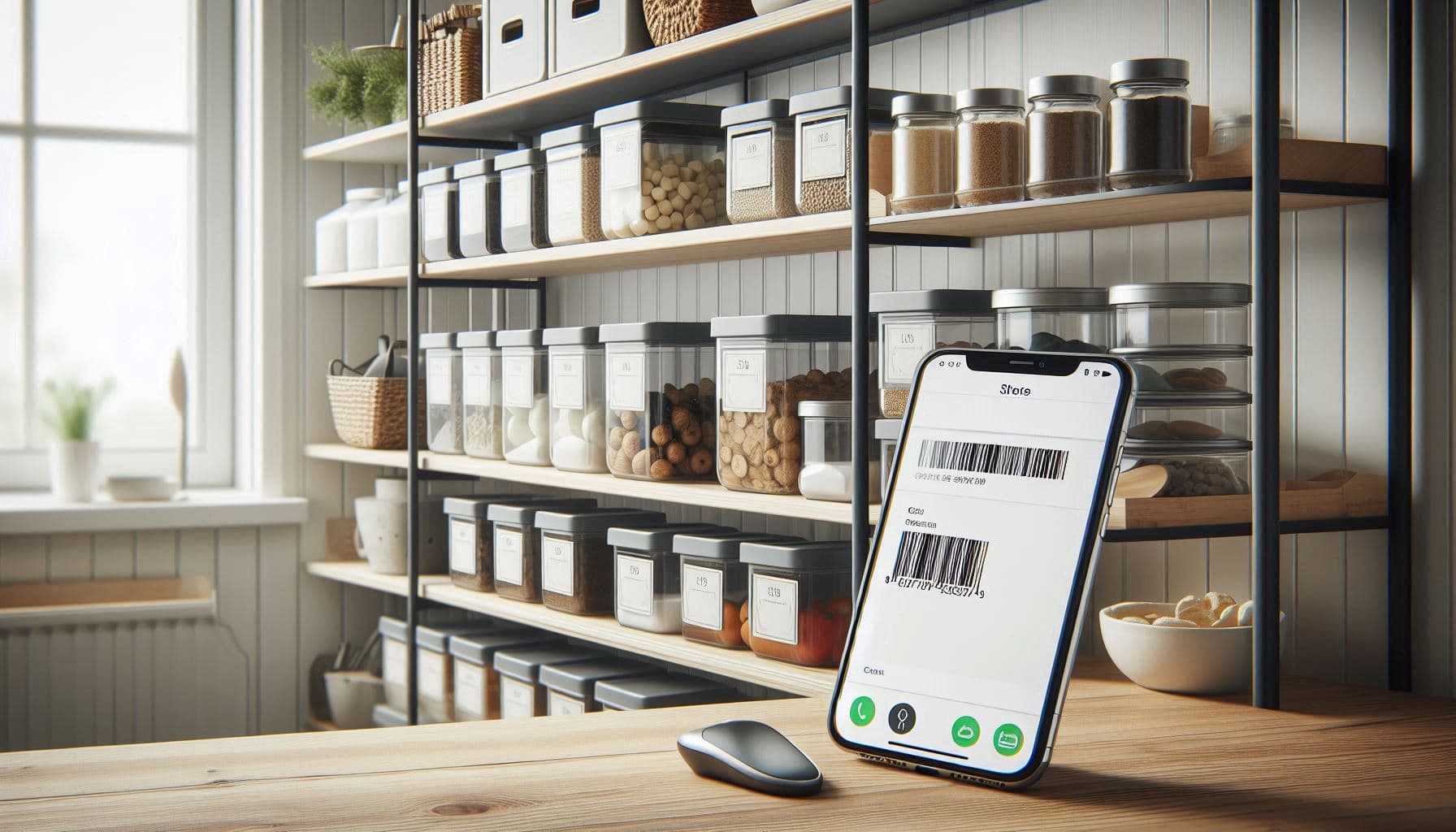
- Add items manually, scan barcodes, or import from receipts
- Set expiration dates and get alerts before things go bad
- Monitor stock levels and get "running low" notifications
- Organize by location (fridge, pantry, freezer)
Recipe Library
Build your family's recipe collection:
- Import recipes from any website with one click
- Generate new recipes with AI based on what you have
- Store family favorites in one searchable place
- Scale recipes up or down for your family size
AI Meal Planning
Let AI handle the weekly "what's for dinner?" question:
- Generate complete weekly meal plans based on your preferences
- Plans consider what's already in your pantry
- Dietary restrictions and preferences are respected
- Easily swap meals or regenerate specific days
Smart Shopping Lists
Shopping lists that actually help:
- Auto-generated lists based on your meal plan
- "Running low" items added automatically
- Organize by store if you shop at multiple places
- Real-time sync so anyone can add or check off items
Timeline & Tasks
Keep track of everything that needs to happen:
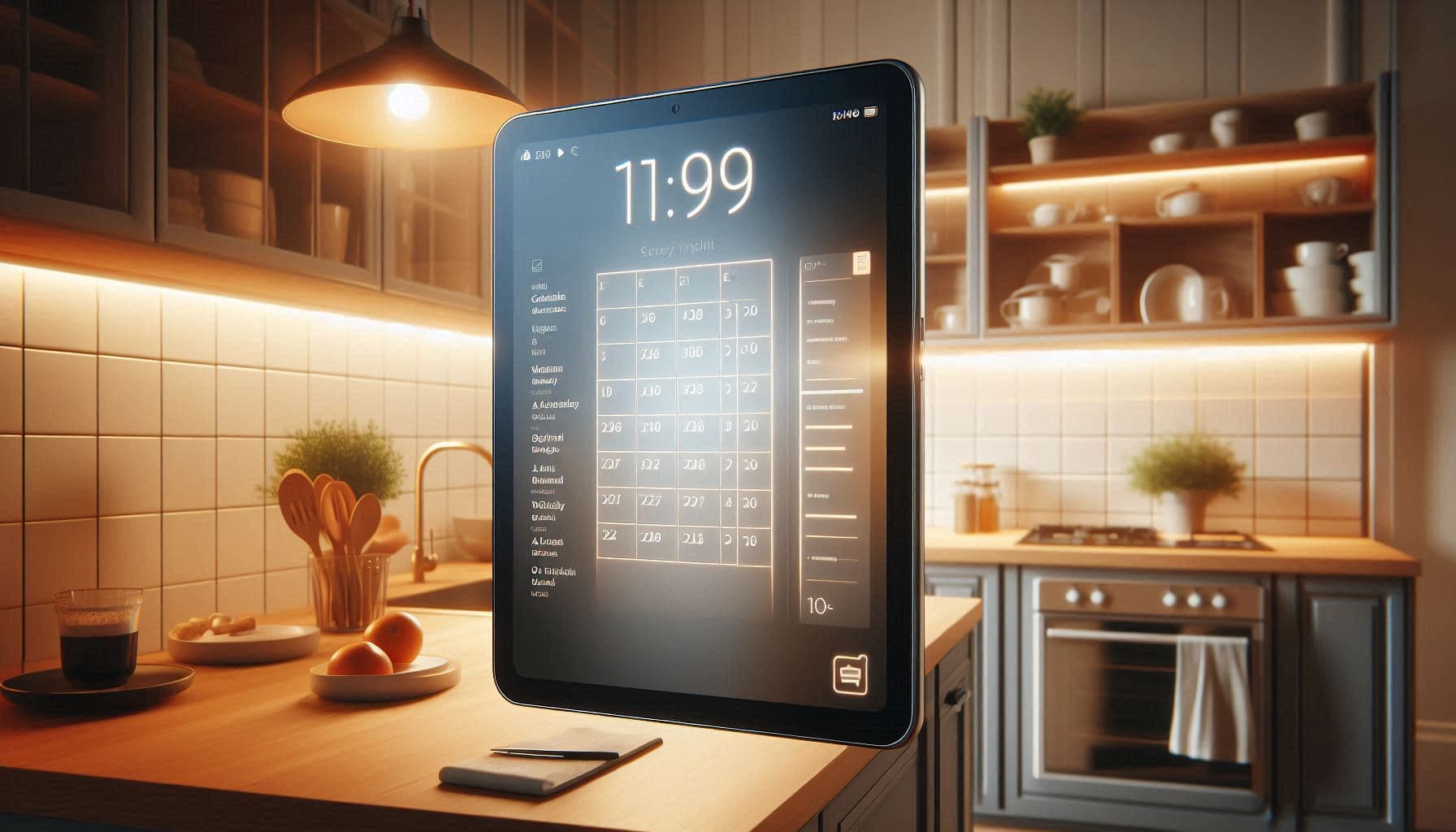
- Shared calendar for appointments and events
- Task lists for household chores and to-dos
- Recurring events for regular maintenance
- Forward emails to automatically create events
Multi-Home Support
For families with multiple properties:
- Manage a primary home and vacation house separately
- Each home has its own inventory, recipes, and lists
- Switch between homes with one tap
Getting Your Family On Board
The best app in the world is useless if your family won't use it. Here's how to make adoption stick:
Start Small
Don't try to migrate everything at once. Pick one high-pain area:
- If "what's for dinner?" is your biggest stress, start with meal planning
- If you're constantly buying duplicates, start with inventory
- If schedules are chaotic, start with the shared calendar
Make It Easy
The person who does most of the household management often becomes the bottleneck. Delegate:
- Anyone can add items to the shopping list
- Kids can check off their completed chores
- Partners can add their own appointments
Replace, Don't Add
A family organizer should replace your existing tools, not add to them:
- Delete the separate grocery list app
- Stop using text messages for shopping requests
- Move the whiteboard chore chart into the app
Give It Two Weeks
New habits take time. Commit to using the app consistently for two weeks before judging whether it works for your family.
Tips for Staying Organized Long-Term
Once you're up and running, these habits keep things working smoothly:
Weekly Planning Session
Spend 10-15 minutes once a week:
- Review the upcoming week's calendar
- Set the meal plan for the week
- Generate the shopping list
- Assign any one-off tasks
Daily Quick Check
A 30-second morning habit:
- What's on today's calendar?
- Any tasks due today?
- What's for dinner tonight?
Keep the Pantry Updated
The inventory only helps if it's accurate:
- Add items when you unpack groceries
- Remove items when you use them up
- Check expiration dates weekly
Review and Adjust
Every month or so, ask:
- Are we actually using all the features?
- What's still falling through the cracks?
- Do we need to adjust our workflow?
Comparison: Single-Purpose Apps vs. All-in-One
| Aspect | Multiple Apps | All-in-One |
|---|---|---|
| Learning curve | Learn 4-5 different interfaces | Learn one interface |
| Data connection | Manual copying between apps | Automatic integration |
| Family adoption | Everyone needs 4-5 apps | Everyone needs one app |
| Subscription cost | Multiple subscriptions | One subscription |
| Switching friction | High (constant app switching) | Low (everything in one place) |
Get Started with Victualia
Ready to simplify your household management? Here's how to get started:
- Sign up at Victualia
- Create your home and invite family members
- Pick one feature to start with (we recommend meal planning or shopping lists)
- Use it consistently for two weeks
- Add more features as you get comfortable
Frequently Asked Questions
How is this different from just using Google Calendar and a notes app?
The difference is integration. Separate apps don't know about each other. Your calendar doesn't know what's expiring in your fridge. Your shopping list doesn't know what recipes you're cooking. A family organizer connects everything so you're not the one doing the mental work of keeping it all straight.
Can kids use the app too?
Yes. Any family member can be added to your home. They can add items to shopping lists, check off their chores, and see the family calendar. You control what each member can access.
What if my partner doesn't want another app?
Start with their biggest pain point. If they're the one always asking "what's for dinner?", show them the meal plan. If they're frustrated by duplicate grocery purchases, show them the shared list. Solve their problem first, and adoption follows.
Does this work offline?
The app requires an internet connection for syncing, but you can view your lists and plans while briefly offline. Changes sync when you're back online.
How long does it take to set up?
You can be up and running in 5 minutes. Creating your home and adding your first shopping list takes no time. Building out a full pantry inventory takes longer, but you can do it gradually as you shop.
Ready to get your household organized? Try Victualia and see how an all-in-one family organizer can simplify your life.
Related Articles
- Pantry Inventory App – Share your pantry inventory with the whole household so everyone knows what you have.
- Weekly Meal Planner – Plan family meals for the week and share the plan with everyone.
- Grocery List App – Shared shopping lists that sync in real-time so no one buys duplicates.