Grocery List App: The Complete Guide to Smarter Shopping
Discover how a grocery list app can prevent duplicate purchases, automate restock alerts, and generate shopping lists from meal plans. Learn how Victualia shopping lists keep your kitchen stocked.
The Problem with Traditional Grocery Lists
How many times have you:
- Bought something you already had at home?
- Forgotten an essential item despite "knowing" you needed it?
- Come home from shopping only to realize you missed half the ingredients for dinner?
- Argued with your partner about who was supposed to buy the milk?
Traditional grocery lists—whether paper or basic notes apps—fail because they rely entirely on you remembering to add items. They don't know what you have at home, what you're running low on, or what your meal plan needs.
A proper grocery list app solves these problems by connecting to your pantry and your meal plans.
Victualia creates shopping lists that actually work. Track what's running low, generate lists from your weekly meal plan, and share with your household so everyone stays in sync. No more duplicate purchases, no more forgotten items. Get started with Victualia.
What a Grocery List App Should Do (And What Most Get Wrong)
Most grocery list apps are glorified notepads. They let you type items and check them off. That's not enough.
What basic apps do
- Add items manually
- Check items off
- Maybe organize by category
What a smart grocery list app should do
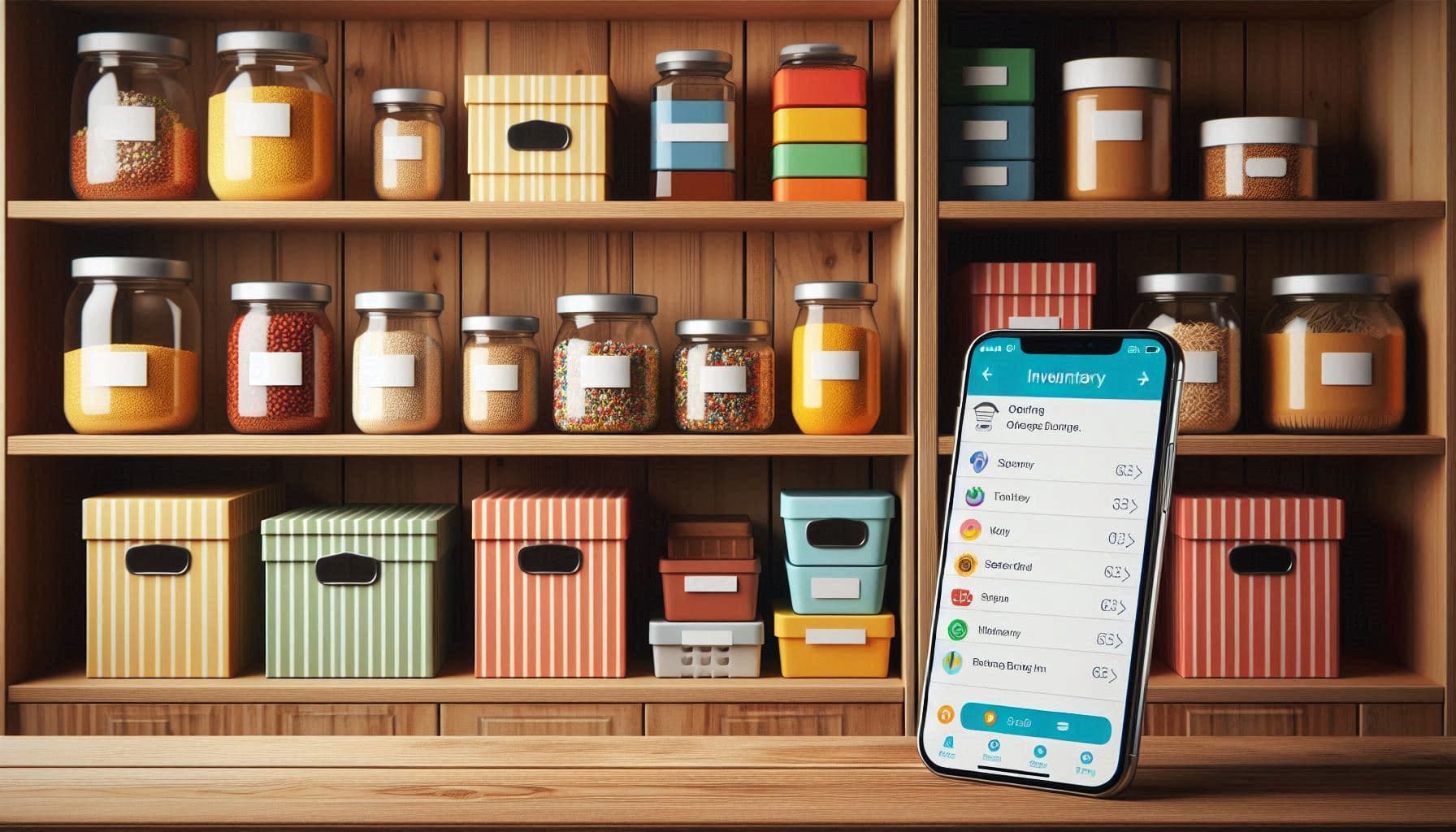
- Know what you have: Connect to your pantry inventory so you never buy duplicates
- Know what you need: Alert you when items are running low
- Generate lists automatically: Create shopping lists from meal plans
- Track quantities: Show how much you need vs. how much you're getting
- Share in real-time: Everyone in the household sees the same list
- Remember your preferences: Learn which store you buy items from
The difference is automation. A smart grocery list requires minimal input from you because it already knows your kitchen.
A Grocery List That Prevents Duplicates
The most common shopping mistake? Buying something you already have.
Why duplicates happen
- No visibility: You don't remember what's in the pantry
- No communication: Your partner already bought it
- No search: You can't quickly check "do we have paprika?"
How to prevent duplicates
A grocery list connected to your pantry inventory solves this:
- Before adding items: The app shows what you already have
- While shopping: Check your pantry from the store
- Automatic conflict detection: "You already have 2 cans of tomatoes at home"
With Victualia, your shopping list and pantry inventory are connected. When you check an item off the shopping list, it can be added to your inventory. When you run low on something, it can be added to your list. No manual tracking required.
Running Low Lists: How Reorder Thresholds Actually Work
The "running low" concept is simple but powerful: automatically add items to your shopping list before you run out completely.
How it works
- Set a minimum quantity: "Alert me when I have fewer than 2 cans of black beans"
- Track current quantity: Your inventory knows you have 3 cans
- When you use one: Inventory drops to 2, still above threshold
- When you use another: Inventory drops to 1, below threshold
- Automatic addition: "Black beans" appears on your shopping list
Why this matters
Without running-low alerts, you discover you're out of something when you need it. Then you either:
- Make an extra trip to the store
- Substitute with something inferior
- Skip the recipe entirely
Running-low alerts mean your essentials are always restocked before you hit zero.
What to track with thresholds
Set reorder thresholds for:
- Staples you always need: Milk, eggs, bread, butter
- Cooking essentials: Olive oil, salt, pepper, garlic
- Items with long lead times: Specialty ingredients you can't get everywhere
- Items you use predictably: Coffee, pasta, rice
Don't bother with thresholds for:
- Items you buy for specific recipes only
- Fresh produce (changes weekly)
- Items you always check before buying anyway
Meal Plan to Grocery List: The Simplest Workflow
The most efficient shopping workflow looks like this:
- Plan your meals for the week: Breakfast, lunch, dinner for each day
- Check your pantry: What do you already have for those recipes?
- Generate a shopping list: Recipe ingredients minus pantry inventory
- Shop once: Buy everything you need for the week
This sounds simple, but doing it manually is tedious. You'd need to:
- Write out every ingredient from every recipe
- Check your pantry for each one
- Calculate quantities based on servings
- Remove duplicates across recipes
A meal-plan-to-grocery-list feature does this automatically.
How Victualia handles this
- Add recipes to your meal plan: Drag recipes onto days
- Set servings: Adjust portions for your household size
- Generate "Weekly Meals" shopping list: One click creates a list
- See what you're missing: List shows only what you don't have
The list is generated based on:
- Recipe ingredients (scaled to your servings)
- Current pantry inventory (what you already have)
- Quantities needed vs. quantities owned
You shop for exactly what you need—nothing more, nothing less.
How Victualia Shopping Lists Work
Victualia takes a different approach to shopping lists. Instead of a simple checklist, it tracks the full lifecycle of items from "need to buy" to "in my pantry."
Collected vs. Desired Quantities
Each item on your list has two quantities:
- Desired: How much you want to buy (e.g., 2 cans)
- Collected: How much you've picked up so far (e.g., 0 cans)
As you shop, you update the collected quantity. This is especially useful when:
- Items are sold out (collected 1 of 2 needed)
- You find a better deal on a larger quantity
- Multiple people are shopping from the same list
Auto-Generated Lists
Victualia creates two automatic shopping lists:
- Running Low: Items that have dropped below your minimum threshold
- Weekly Meals: Ingredients needed for your meal plan
These lists update automatically. You don't add items manually—the system knows what you need based on your inventory and meal plans.
You can also create custom lists for specific occasions, stores, or purposes.
Real-Time Sharing
When multiple household members shop from the same list:
- Everyone sees the same items
- When one person collects an item, others see it update
- No duplicate purchases
- No "I thought you were getting that" confusion
Store Organization
Some grocery lists let you organize items by store aisle or section:
- Produce
- Dairy
- Meat
- Frozen
- Pantry staples
- Household items
This makes shopping faster—you're not zigzagging across the store.
Barcode Scanning Limitation
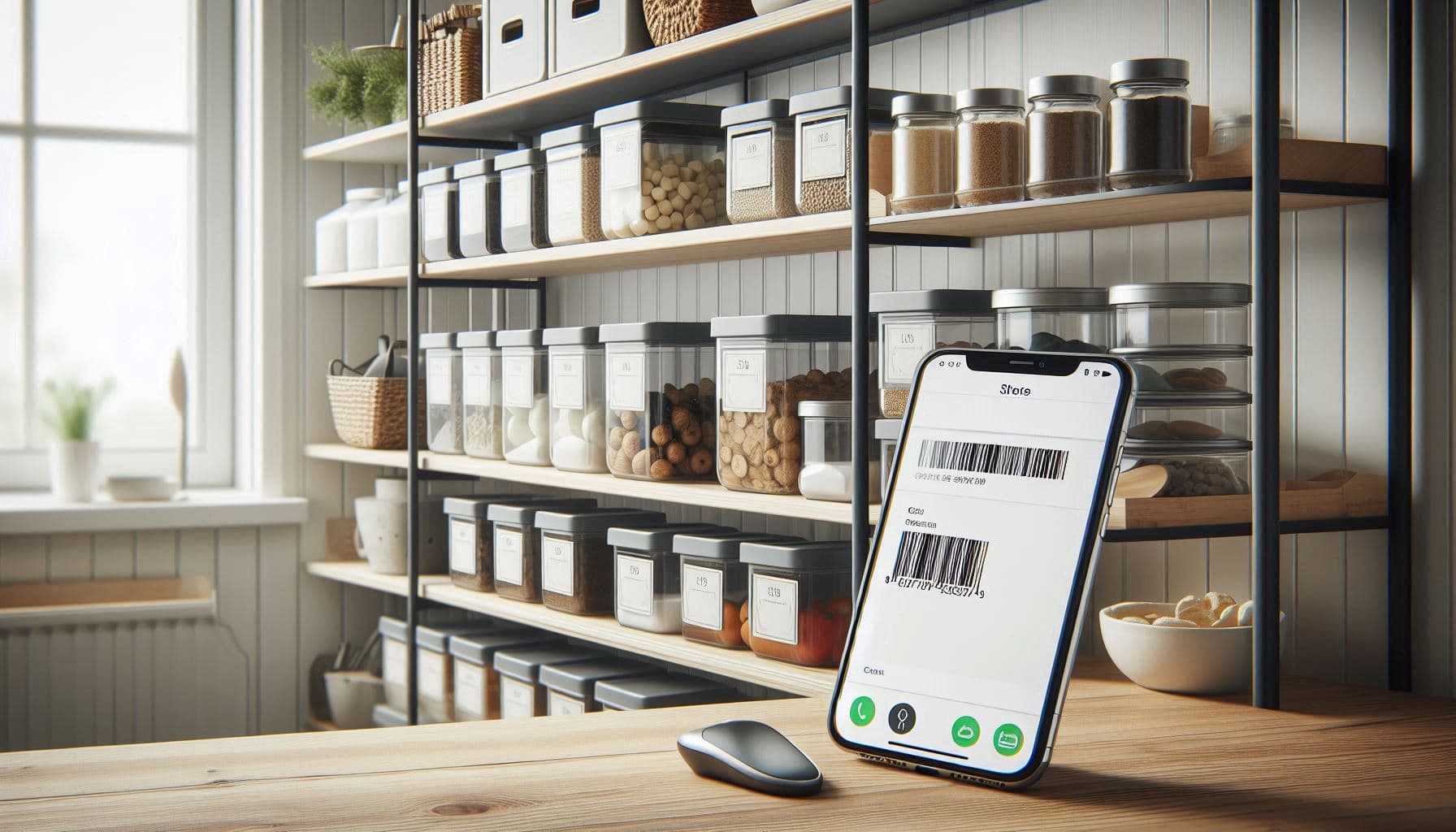
Victualia supports barcode scanning for adding items to your inventory, but this feature is only available on the native mobile apps (iOS and Android). The web app requires manual entry. For shopping lists, you typically work from generated lists rather than scanning items.
The Weekly Shopping Workflow
Here's how to use a grocery list app for maximum efficiency:
Sunday: Plan and Generate
- Review what's expiring this week (use it or lose it)
- Plan meals around expiring items
- Fill in the rest of the week with recipes
- Generate your shopping list from the meal plan
- Add any non-food items you need
Before Shopping: Review
- Check the running-low list for staples
- Merge with the meal-plan list
- Check for any special occasions this week
- Verify nothing on the list is already in your pantry
While Shopping: Execute
- Follow your list by section
- Mark items as collected
- Note any substitutions or out-of-stock items
- Check off everything before checkout
After Shopping: Update
- Unpack groceries
- Add new items to your inventory (scan or manual)
- Set expiration dates for perishables
- Clear your shopping list for next week
This workflow takes about 15 minutes of planning to save hours of mid-week store runs and wasted food.
Common Shopping List Mistakes
Over-Relying on Memory
"I'll remember to add that later." No, you won't. Add items to your list the moment you notice you need them, or better yet, let running-low alerts handle it automatically.
Not Checking the Pantry
Adding "pasta" to your list without checking means you might come home to your fifth box. Always verify before shopping—or use an app that does this for you.
Ignoring Quantities
"Tomatoes" isn't specific enough. How many? What kind? Your list should include quantities so you buy enough (but not too much).
Shopping Without a Meal Plan
Wandering the store buying what looks good leads to:
- Missing ingredients for actual meals
- Impulse purchases that expire
- Multiple store trips per week
Plan first, then shop.
Not Sharing with Household Members
If everyone keeps their own list, you'll buy duplicates. Use a shared list that everyone can see and update.
Grocery List Apps vs. Paper Lists
| Feature | Paper List | Basic App | Smart App (Victualia) |
|---|---|---|---|
| Add items | ✅ Manual | ✅ Manual | ✅ Manual + Auto |
| Check off items | ✅ | ✅ | ✅ |
| Search pantry | ❌ | ❌ | ✅ |
| Running low alerts | ❌ | ❌ | ✅ |
| Meal plan integration | ❌ | ❌ | ✅ |
| Real-time sharing | ❌ | ⚠️ Limited | ✅ |
| Quantity tracking | ❌ | ⚠️ Limited | ✅ |
| Duplicate prevention | ❌ | ❌ | ✅ |
| Store organization | ❌ | ⚠️ Manual | ✅ |
Paper works for simple, single-person shopping. For households, meal planners, or anyone who wants to reduce waste and save time, a smart grocery list app pays for itself.
Getting Started with Victualia Shopping Lists
Ready to upgrade your shopping workflow? Here's how to start with Victualia:
- Set up your pantry inventory: Scan or add items you have at home
- Set running-low thresholds: For staples you always want stocked
- Add recipes: Build a library of meals you cook regularly
- Create a meal plan: Plan your week's meals
- Generate your shopping list: One click creates everything you need
- Share with household: Everyone shops from the same list
Stop making duplicate purchases. Stop forgetting essential items. Get started with Victualia.
Frequently Asked Questions
What is the best grocery list app?
The best grocery list app connects to your pantry inventory and meal plans. This lets it generate lists automatically, prevent duplicates, and alert you when items are running low. Victualia offers all these features with real-time household sharing.
How do I stop buying duplicates?
Connect your shopping list to a pantry inventory. Before adding items or while shopping, check what you already have at home. Victualia shows your current inventory so you never buy something you already have.
What is a running low list?
A running-low list automatically adds items to your shopping list when your inventory drops below a threshold. For example, if you set a minimum of 2 cans of beans and you drop to 1, "beans" automatically appears on your shopping list.
How do I keep the list accurate while shopping?
Use an app with quantity tracking. Mark items as "collected" as you pick them up. With real-time sharing, if multiple people are shopping, everyone sees what's been collected and what's still needed.
Can a meal plan generate the list automatically?
Yes, with Victualia. When you add recipes to your meal plan, you can generate a "Weekly Meals" shopping list that includes all ingredients—minus what you already have in your pantry. It calculates quantities based on servings and removes duplicates across recipes.
Can I share my shopping list with family?
Yes, Victualia supports real-time household sharing. Everyone in your home can view and update the same shopping list. Changes sync instantly across all devices—no more duplicate purchases or missed items.
Does Victualia work offline?
The mobile apps can work offline for viewing your lists. Changes sync when you're back online. For the best experience while shopping, ensure you have internet access for real-time updates.
Stop wasting time and money with inefficient shopping. Get started with Victualia and take control of your grocery lists.
Related Articles
- Pantry Inventory App – Track what you have at home so your shopping list only includes what you need.
- Weekly Meal Planner – Plan meals for the week and generate shopping lists automatically.
- How to Reduce Food Waste – Buy smarter and waste less with inventory tracking and meal planning.
- Family Organizer App – Share shopping lists, meal plans, and pantry inventory with your whole household.