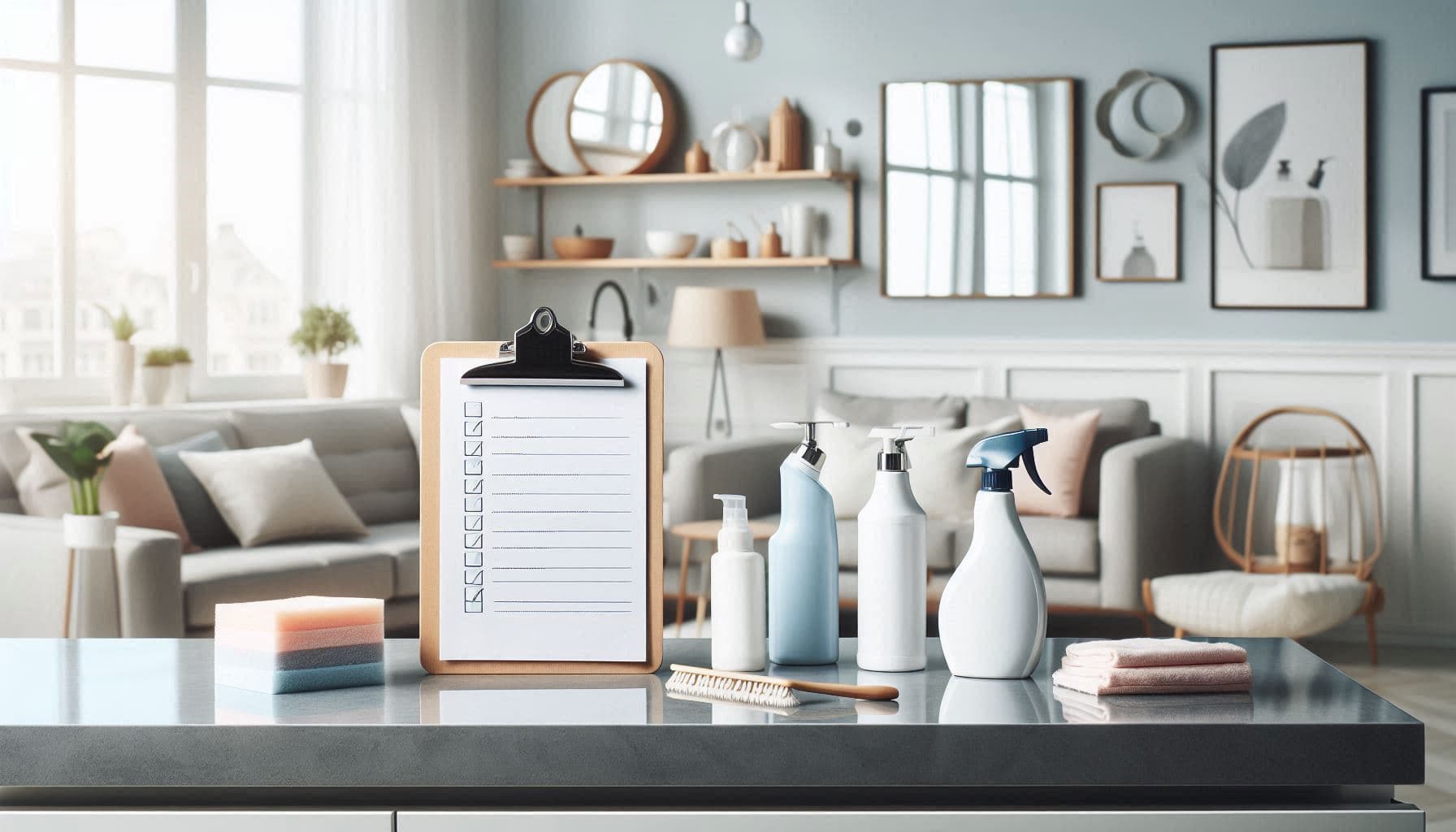
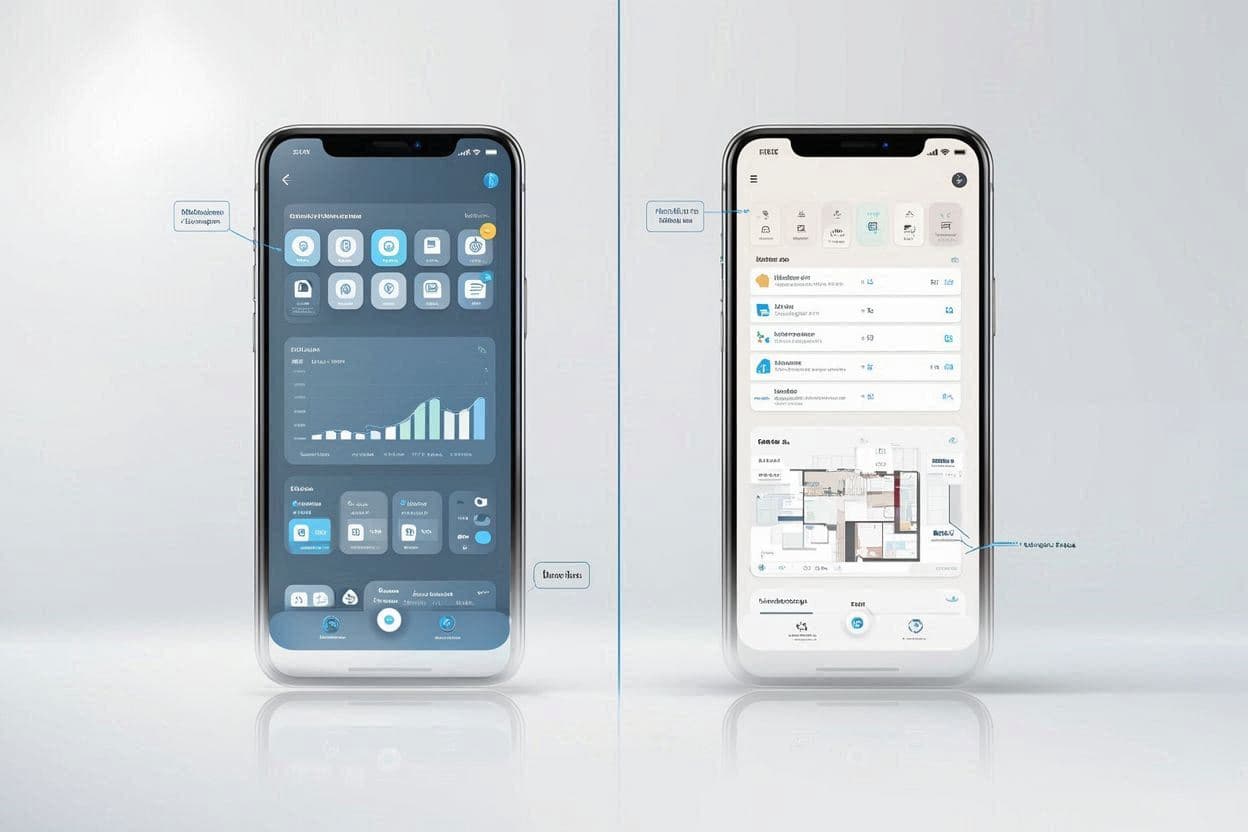
Cleaning Schedule App: Keep Your Home Clean Without the Overwhelm
Discover how a cleaning schedule app helps you maintain a clean home with less stress. Learn to create rotating schedules, assign tasks to family members, and never forget deep cleaning again.
Why Cleaning Feels So Overwhelming
Keeping a house clean isn't complicated. So why does it feel like an endless, losing battle?
The problem isn't cleaning itself—it's the mental load of managing it:
- Remembering everything: When did you last wash the sheets? Clean behind the fridge? Replace the air filter?
- Constant decision-making: What needs to be done today? What can wait?
- Invisible tasks: Deep cleaning tasks that "someone should do" but never get scheduled
- Unequal distribution: One person tracks everything while others wait to be told what to do
A cleaning schedule app solves these problems by taking the thinking out of cleaning. You set it up once, and it tells you what to do and when.
What is a Cleaning Schedule App?
A cleaning schedule app is a digital tool that:
- Tracks cleaning tasks across your entire home
- Schedules them at appropriate intervals (daily, weekly, monthly, etc.)
- Reminds you when tasks are due
- Assigns tasks to household members
- Tracks completion so nothing falls through the cracks
Instead of keeping a mental list of everything that needs cleaning, you offload it to the app. Your job becomes simply doing what the app tells you, when it tells you.
The Problem with Mental Cleaning Lists
Most people manage cleaning by "noticing" what needs to be done. This approach has fatal flaws:
You Only See the Obvious
You notice the dirty dishes because they're in front of you. You don't notice:
- The dust on ceiling fan blades
- The grime building up behind the toilet
- The crumbs under the couch cushions
- The expired items in the medicine cabinet
These invisible tasks accumulate until they become major cleaning projects.
Urgency Beats Importance
Mental lists prioritize what's urgent (visible mess) over what's important (regular maintenance). You'll wipe the counter but skip vacuuming the vents—until HVAC efficiency drops and allergies flare up.
Different Standards Cause Conflict
"The bathroom needs cleaning" means different things to different people. Without explicit standards, household members argue about whether something is "clean enough."
Mental Load Falls Unevenly
Usually one person becomes the "cleaning manager"—remembering everything, noticing what needs doing, and delegating tasks. This invisible work is exhausting and breeds resentment.
How Cleaning Schedule Apps Work
Task Library
Apps come with pre-built lists of cleaning tasks organized by:
- Room: Kitchen, bathroom, bedroom, living room, etc.
- Frequency: Daily, weekly, monthly, quarterly, annually
- Type: Surface cleaning, deep cleaning, organizing, maintenance
You enable the tasks relevant to your home and disable what doesn't apply.
Smart Scheduling
Each task gets assigned a frequency:
| Task | Typical Frequency |
|---|---|
| Wipe kitchen counters | Daily |
| Vacuum floors | Weekly |
| Clean inside fridge | Monthly |
| Wash windows | Quarterly |
| Deep clean oven | Twice yearly |
| Flip mattress | Every 6 months |
The app creates a rotating schedule that spreads work evenly across days and weeks.
Reminders and Notifications
When tasks are due, you get notified:
- Morning summary of today's tasks
- Reminders for overdue items
- Upcoming task preview
No more forgetting that the sheets need washing or the filters need replacing.
Task Assignment
For households with multiple people, tasks can be assigned:
- Fixed assignment: "Alex always does bathrooms"
- Rotating assignment: "Kitchen duty rotates weekly"
- Claimed tasks: "Whoever has time grabs available tasks"
Everyone knows their responsibilities without daily negotiations.
Completion Tracking
When you complete a task, you mark it done. The app:
- Records completion date
- Schedules the next occurrence
- Tracks your cleaning history
- Shows household-wide progress
This creates accountability and ensures nothing is perpetually "someone else's job."
Building Your Cleaning Schedule
Step 1: List Your Spaces
Walk through your home and list every space that needs cleaning:
- Kitchen
- Living room
- Dining room
- Master bedroom
- Kids' bedrooms
- Bathrooms (each one)
- Home office
- Laundry room
- Garage
- Outdoor spaces
- Storage areas
Don't forget transitional spaces: hallways, stairs, entryways.
Step 2: Identify Tasks Per Space
For each space, list what needs cleaning. Here's a kitchen example:
Daily:
- Wipe counters
- Wash dishes / run dishwasher
- Wipe stovetop
- Take out trash
Weekly:
- Mop floor
- Clean sink thoroughly
- Wipe cabinet fronts
- Clean microwave interior
Monthly:
- Clean inside refrigerator
- Degrease range hood
- Clean small appliances
- Organize pantry
Quarterly:
- Deep clean oven
- Clean behind appliances
- Wash cabinet interiors
- Descale coffee maker
Annually:
- Deep clean freezer
- Replace water filter
- Clean light fixtures
Step 3: Assign Frequencies
Be realistic about frequencies. Over-scheduling leads to burnout and abandoned schedules.
Daily tasks: Only truly daily necessities. If you can skip a day without problems, it's not daily.
Weekly tasks: Core maintenance that keeps things reasonably clean.
Monthly tasks: Deeper cleaning that prevents buildup.
Quarterly/Annual tasks: Deep cleaning and maintenance items.
Step 4: Distribute the Load
Spread tasks evenly across:
Days of the week: Don't put all weekly tasks on Saturday. Spread them: bathrooms Monday, vacuuming Wednesday, etc.
Household members: Divide by preference, ability, and fairness. Some people prefer quick daily tasks; others prefer fewer but longer sessions.
Time of day: Morning people can do tasks before work. Night owls might prefer evening cleaning.
Sample Cleaning Schedules
Minimal Schedule (30 min/day)
For those who want a clean-enough home with minimum effort:
| Day | Tasks (15-30 min) |
|---|---|
| Monday | Quick bathroom wipe, take out trash |
| Tuesday | Vacuum main living areas |
| Wednesday | Kitchen surfaces and floor |
| Thursday | Dust living areas |
| Friday | Tidy all rooms, change towels |
| Saturday | Laundry, one deep clean task |
| Sunday | Rest or catch up |
Monthly tasks: One per weekend, rotating through rooms.
Standard Schedule (45-60 min/day)
For those who want a consistently clean home:
| Day | Tasks |
|---|---|
| Monday | Bathrooms (full clean) |
| Tuesday | Kitchen (full clean), vacuum downstairs |
| Wednesday | Bedrooms (dust, vacuum, change sheets rotation) |
| Thursday | Living areas (dust, vacuum, tidy) |
| Friday | Floors (mop all hard floors) |
| Saturday | Deep clean focus (one room or project) |
| Sunday | Laundry, meal prep, light tidy |
Family Schedule (tasks distributed)
For households where everyone contributes:
Daily rotating:
- Kitchen cleanup after dinner
- Take out trash
- Quick tidy of common areas
Weekly assigned:
- Parent A: Bathrooms, vacuuming
- Parent B: Kitchen deep clean, mopping
- Kid 1: Their room, dusting living areas
- Kid 2: Their room, taking out recycling
Monthly (team effort):
- One Saturday per month: whole-family deep clean of one area
Cleaning Schedule App Features to Look For
Recurring Task Support
The core feature. The app must handle:
- Multiple frequencies (daily through annual)
- Custom intervals ("every 2 weeks")
- Flexible scheduling ("every Saturday" vs. "every 7 days")
Multiple Household Members
If you live with others, you need:
- Shared task lists
- Individual assignments
- Visibility into who's doing what
- Notifications per person
Room/Zone Organization
Tasks organized by space make sense spatially. When you're cleaning the bathroom, you want to see all bathroom tasks, not hunt through a giant flat list.
Skip and Reschedule
Life happens. You need to:
- Skip a task without breaking the schedule
- Reschedule to a different day
- Defer without guilt (the app remembers)
History and Tracking
Seeing your history helps:
- Know when you last did something
- Prove you're contributing (for household harmony)
- Identify neglected tasks
Notifications That Work
Useless if you ignore them. Look for:
- Customizable notification times
- Daily summary option
- Not-too-frequent reminders
Integrating Cleaning with Home Management
A cleaning schedule app is most powerful when integrated with broader home management:
With Inventory Tracking
Cleaning reveals supply needs:
- Running low on cleaning products? Add to shopping list.
- Notice a broken item while cleaning? Log it for repair.
- Find expired items in cabinets? Track in inventory.
With Task Management
Cleaning is just one type of household task:
- Repairs and maintenance
- Yard work and outdoor tasks
- Administrative tasks (bills, paperwork)
- Errands and shopping
One system for all household tasks reduces app juggling.
With Family Calendar
Coordinate cleaning with life:
- Don't schedule deep cleaning when guests are using the guest room
- Heavy cleaning sessions need calendar time blocked
- Adjust schedule around vacations and busy periods
Getting Kids Involved
Cleaning schedule apps help teach kids responsibility:
Age-Appropriate Tasks
Ages 3-5:
- Put toys in bins
- Put clothes in hamper
- Help make bed
Ages 6-9:
- Make own bed
- Put away laundry
- Wipe bathroom sink
- Set/clear table
Ages 10-12:
- Vacuum rooms
- Clean bathroom
- Load dishwasher
- Take out trash
Ages 13+:
- All of the above
- Laundry start to finish
- Cook simple meals
- Deep cleaning tasks
Making It Work
- Visible assignments: Kids see their tasks in the app
- Completion tracking: They mark tasks done (satisfying)
- No nagging: The app reminds them, not you
- Fairness: Visible distribution prevents "it's not fair" arguments
Common Cleaning Schedule Mistakes
Over-Scheduling
Ambitious schedules fail first. Start minimal and add tasks only after the basic schedule becomes habit. An 80% completed simple schedule beats a 30% completed elaborate one.
All-or-Nothing Thinking
Missing one task doesn't ruin everything. Skip, defer, and move on. The app will remind you next time.
Ignoring Actual Time
"Clean the kitchen" isn't a 5-minute task. Be realistic:
- Quick wipe: 5 minutes
- Standard clean: 15-20 minutes
- Deep clean: 45-60 minutes
Schedule based on actual time, not wishful thinking.
Not Adjusting Seasonally
Some tasks change by season:
- More frequent in spring: Window cleaning, outdoor areas
- More frequent in winter: Indoor deep cleaning, organizing
- During holidays: Guest areas get priority
Review and adjust quarterly.
Making It a Chore War
The app should reduce conflict, not create scorekeeping competitions. Focus on maintaining the home together, not proving who does more.
Cleaning Schedule for Different Living Situations
Apartments
- Fewer rooms = simpler schedule
- Shared laundry facilities = schedule around availability
- No yard work = more time for indoor deep cleaning
- Neighbor considerations = schedule noisy cleaning appropriately
Large Homes
- More rooms = need zone-based scheduling
- Consider room-a-day rotation for deep cleaning
- More surfaces = more frequent dusting
- Prioritize high-traffic areas; less-used rooms need less frequent attention
With Pets
- More frequent vacuuming (pet hair)
- Regular pet bed/toy cleaning
- Litter box or outdoor cleanup
- Air filter changes more often
- Pet-specific deep cleaning (furniture, car)
With Allergies
- More frequent dusting and vacuuming
- HEPA filter maintenance
- Bedding washing more often
- Air quality focused tasks (vents, filters)
- Reduce clutter that collects dust
Getting Started with Victualia
Ready to simplify your cleaning routine? Victualia helps you manage cleaning alongside all your other household tasks:
- Set up cleaning tasks: Use templates or create custom tasks for your home
- Schedule frequencies: Daily, weekly, monthly—whatever each task needs
- Assign to family: Everyone sees their responsibilities
- Get reminders: Never forget when tasks are due
- Track completion: See your progress and maintain accountability
Take the mental load out of cleaning at Victualia.
Frequently Asked Questions
How long does it take to set up a cleaning schedule?
Initial setup takes 20-30 minutes to list your spaces, tasks, and frequencies. Most apps have templates that speed this up significantly.
What if I miss scheduled cleaning tasks?
Mark them as skipped or defer to another day. The app will reschedule automatically. Consistency over time matters more than perfection each day.
Can a cleaning app really reduce household arguments?
Yes. When tasks are visibly assigned and tracked, there's no ambiguity about who's responsible or whether things got done. This removes the "I always do everything" vs. "I help all the time" debates.
Should I schedule cleaning at specific times?
It depends on your preference. Some people like time-specific reminders ("Clean bathroom at 9 AM Saturday"). Others prefer day-based flexibility ("Complete these tasks today").
How do I handle cleaning tasks that vary in duration?
Break large tasks into subtasks, or schedule adequate time. "Deep clean kitchen" might be a 2-hour Saturday project, while "wipe kitchen counters" is a 5-minute daily task.
What's the minimum viable cleaning schedule?
For a basic clean home: daily dish/counter wipe, weekly vacuum and bathroom clean, monthly fridge and dusting. Everything else is optimization. Start minimal and add only what you need.
Stop keeping cleaning tasks in your head. Get started with Victualia and let the app remember so you don't have to.
Related Articles
- Family Organizer App: The Complete Guide to Running Your Household — Learn how cleaning schedules fit into broader family organization, including shared calendars, task delegation, and household management.