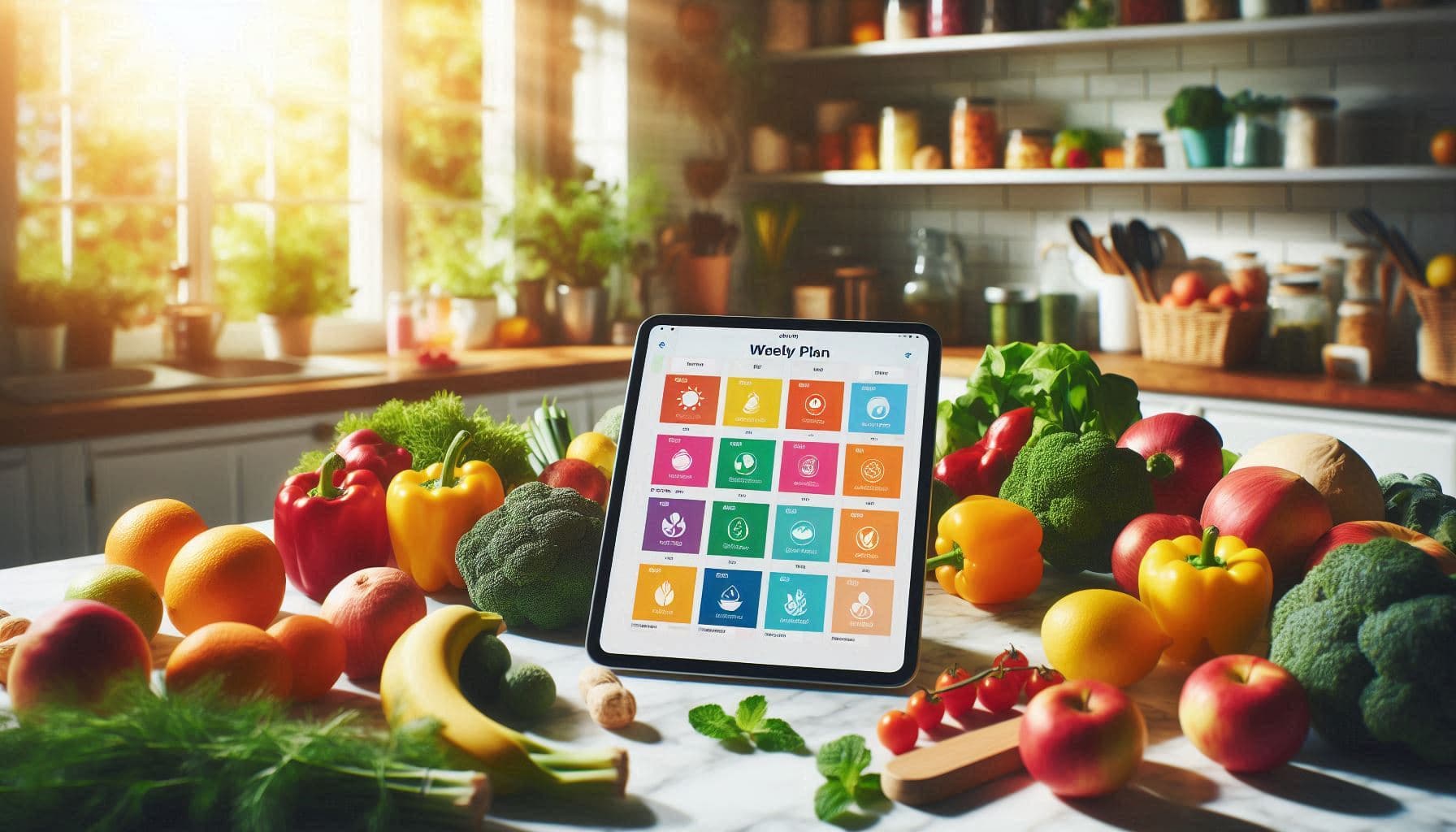
Meal Planning for Beginners: A Simple System That Works
Learn how to start meal planning with this beginner's guide. Discover a simple 4-step system that saves time, reduces stress, and makes 'what's for dinner?' a question of the past.
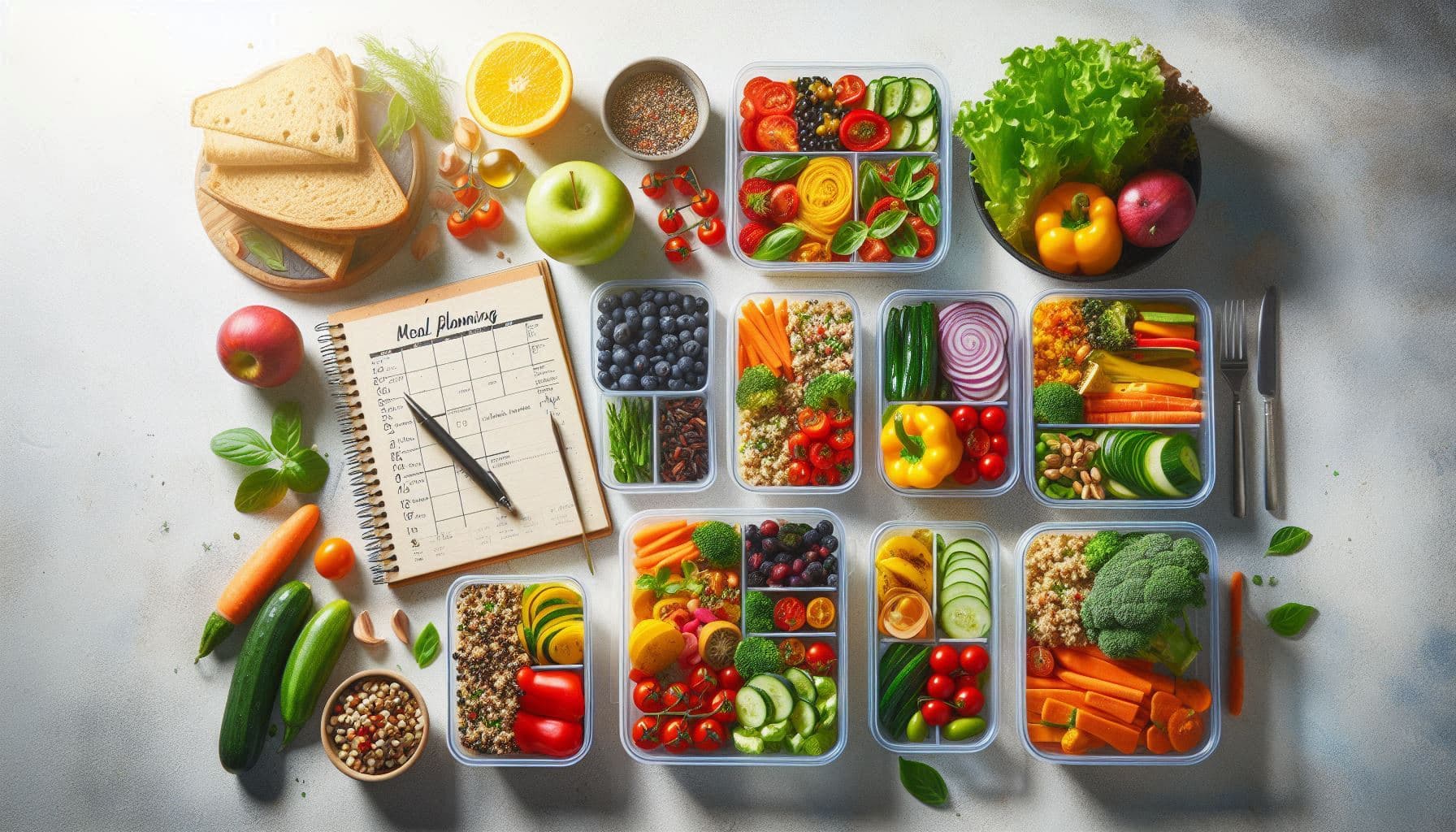
Why Meal Planning Matters
It's 5:30 PM. You're tired from work, the kids are hungry, and you're staring into the fridge with no idea what to make. Sound familiar?
This daily stress is completely avoidable. Meal planning isn't about being a perfect home cook or spending your Sundays batch-cooking elaborate meals. It's about making one decision ahead of time so you don't have to make it when you're exhausted.
The benefits go beyond just knowing what's for dinner:
- Save money: No more impulse takeout orders or wasted groceries
- Save time: Fewer trips to the store, less daily decision-making
- Eat better: You're more likely to cook balanced meals when they're planned
- Reduce waste: Buy only what you need, use what you buy
- Lower stress: The mental load of daily meal decisions disappears
Common Mistakes Beginners Make
Before diving into the system, let's address what trips most people up:
Mistake 1: Planning Too Many Meals
New meal planners often try to plan breakfast, lunch, and dinner for seven days straight. That's 21 meals. It's overwhelming, and you'll abandon it by Wednesday.
Fix: Start with dinners only. That's the meal that causes the most stress for most households.
Mistake 2: Picking Complicated Recipes
That three-hour beef bourguignon looks amazing on Pinterest. But on a Tuesday after work? You'll order pizza instead.
Fix: Mix in simple 20-30 minute meals. Save elaborate recipes for weekends when you have time.
Mistake 3: Not Checking What You Have
Planning a week of meals without looking at your fridge means buying duplicates and letting existing food go to waste.
Fix: Always check your pantry and fridge before planning. Build some meals around what needs to be used up.
Mistake 4: Being Too Rigid
Life happens. Plans change. A meal plan that can't flex will break.
Fix: Build in flexibility. Planned tacos on Wednesday but got invited out? Move tacos to Thursday. No stress.
Mistake 5: Forgetting Leftovers
Cooking for four but only feeding two? Those leftovers are tomorrow's lunch—if you plan for them.
Fix: Intentionally plan leftover nights or lunches. Cook once, eat twice.
The Simple 4-Step Meal Planning System
Here's a straightforward system that works for beginners and scales as you get more comfortable:
Step 1: Check What You Have (5 minutes)
Before planning anything, do a quick inventory:
- What's in the fridge that needs to be used soon?
- What proteins do you have in the freezer?
- What pantry staples are running low?
- Any leftovers that can become another meal?
This step prevents waste and often gives you 1-2 meals for free from what you already have.
Step 2: Pick Your Meals (10 minutes)
For a beginner, plan 4-5 dinners for the week. Yes, only 4-5. Here's why:
- One night will probably be leftovers
- One night you might eat out or get takeout
- One night might be "fridge clean-out" night
For each dinner, keep it simple:
- 2-3 "easy" meals: Things you can make in under 30 minutes
- 1-2 "medium" meals: Recipes that take 30-45 minutes
- 0-1 "project" meal: Something more involved for when you have time (weekend)
Don't assign specific days yet. Just pick the meals.
Step 3: Assign to Days (5 minutes)
Now look at your week:
- Busy days (long work hours, kids' activities): Assign your quickest meals
- Lighter days: Assign meals that take more time
- Weekend: If you want a project meal, put it here
Consider practical factors:
- Do you have a slow cooker meal? Start it in the morning.
- Using ingredients that expire soon? Cook those earlier in the week.
- Making a big batch of something? Plan to use leftovers the next day.
Step 4: Make Your Shopping List (10 minutes)
Go through each recipe and list what you need to buy. Cross off anything you already have from Step 1.
Group your list by store section to make shopping faster:
- Produce
- Dairy
- Meat/Protein
- Pantry/Dry goods
- Frozen
That's it. Total time: about 30 minutes once a week.
How Many Meals to Plan
Start smaller than you think:
| Experience Level | Meals to Plan |
|---|---|
| Complete beginner | 3-4 dinners |
| Getting comfortable | 5-6 dinners |
| Experienced | 7 dinners + lunches |
| Meal prep pro | All meals + snacks |
There's no prize for planning more meals. The goal is consistency, not perfection. It's better to successfully plan 4 meals every week than to burn out trying to plan 21.
Building Your First Weekly Meal Plan
Let's walk through a real example:
Monday: Inventory Check
You check your kitchen and find:
- Chicken breasts in the freezer
- Ground beef expiring in 3 days
- Half a bag of pasta
- Canned tomatoes
- Vegetables that need to be used: bell peppers, onions, broccoli
Tuesday: Pick 5 Dinners
Based on what you have and what sounds good:
- Beef stir-fry (uses ground beef before it expires, plus vegetables)
- Chicken pasta (uses chicken, pasta, canned tomatoes)
- Sheet pan chicken and broccoli (simple, uses the broccoli)
- Tacos (need to buy tortillas and toppings)
- Fried rice (uses leftover rice, whatever vegetables are left)
Wednesday: Assign to Days
- Monday: Beef stir-fry (ground beef needs to be used)
- Tuesday: Sheet pan chicken and broccoli (easy weeknight meal)
- Wednesday: Tacos (quick, kids love it)
- Thursday: Chicken pasta (slightly more involved)
- Friday: Fried rice (uses up leftover rice and veggies)
- Saturday: Leftovers or eat out
- Sunday: Unplanned (flexibility)
Thursday: Shopping List
From the recipes, you need:
- Tortillas
- Taco seasoning
- Sour cream
- Cheese
- Rice (for fried rice and as a side)
- Soy sauce
- Eggs (for fried rice)
That's a short list because you're building on what you already have.
Connecting Meal Plans to Shopping Lists
The connection between your meal plan and shopping list is where meal planning really saves time. Without this connection, you're doing double work:
- Deciding what to cook
- Separately figuring out what to buy
When your meal plan generates your shopping list automatically, you:
- Never forget a key ingredient
- Don't buy things you don't need
- Can send the list to whoever's doing the shopping
- Know exactly why each item is on the list
This is where digital meal planning tools shine over paper systems.
How AI Can Simplify Meal Planning
If the 4-step system still feels like too much work, AI can help. Modern meal planning apps can:
Generate Complete Meal Plans
Tell the AI your preferences:
- "We eat vegetarian on Mondays"
- "I need quick meals on weeknights"
- "My kids don't like spicy food"
- "Use up the chicken in my fridge"
The AI generates a full week of meals that match your criteria.
Consider Your Inventory
Smart AI meal planners connect to your pantry inventory:
- Suggests meals using ingredients you already have
- Prioritizes items that are expiring soon
- Avoids recipes requiring things you don't have
Adapt to Your Feedback
Don't like a suggested meal? Swap it. Over time, the AI learns your preferences and makes better suggestions.
Create Shopping Lists Automatically
Once the meal plan is set, the shopping list generates itself—minus what you already own.
Templates and Tools to Get Started
Paper Method
If you prefer pen and paper, keep it simple:
Weekly Template:
Monday: _______________
Tuesday: _______________
Wednesday: _______________
Thursday: _______________
Friday: _______________
Saturday: _______________
Sunday: _______________

Shopping List:
□ _______________
□ _______________
□ _______________
Stick it on your fridge. Write with pencil so you can erase and reuse.
Spreadsheet Method
A simple Google Sheet or Excel file works:
- Column A: Day of week
- Column B: Dinner
- Column C: Notes (prep needed, who's cooking)
- Separate tab for shopping list
App Method
Dedicated meal planning apps offer the most features:
- Recipe storage
- Automatic shopping lists
- Inventory tracking
- Family sharing
The investment in learning an app pays off quickly if you meal plan consistently.
Tips to Make Meal Planning a Habit
Pick a Planning Day
Choose one day each week for planning. Many people use:
- Sunday: Plan for the week ahead
- Thursday/Friday: Shop over the weekend
Put it in your calendar like any other appointment.
Keep a "Rotation" List
Maintain a list of 15-20 go-to meals your family likes. When you're stuck, pick from this list instead of searching for new recipes.
Theme Your Days (Optional)
Some families find themed nights helpful:
- Meatless Monday
- Taco Tuesday
- Pasta Wednesday
- Slow Cooker Thursday
- Pizza Friday
Themes reduce decisions. You're not picking from infinite options—just from one category.
Batch Your Prep
If you have 30 spare minutes on Sunday:
- Wash and chop vegetables for the week
- Cook a big batch of rice or grains
- Marinate proteins for later in the week
This isn't required, but it makes weeknight cooking faster.
Involve the Family
Let each family member pick one meal per week. They're more likely to eat it, and it's less decision-making for you.
Forgive Yourself
Missed a planned meal? Ate takeout instead? Didn't plan last week? It's fine. Just start again next week. Consistency over time matters more than perfection.
What to Do When Plans Fall Apart
Real life doesn't follow a meal plan. Here's how to adapt:
Swap Days
Planned salmon on Tuesday but don't feel like it? Make Thursday's tacos instead. Move salmon to Thursday. No waste, no stress.
Freeze and Reschedule
Bought chicken for Wednesday but plans changed? Freeze it. Plan it for next week.
Embrace "Pantry Meals"
Keep a few meals in your back pocket that use only pantry staples:
- Pasta with jarred sauce
- Rice and beans
- Eggs and toast
- Canned soup with grilled cheese
When everything falls apart, these save the day.
It's Okay to Skip
Not every dinner needs to be planned and home-cooked. Occasional takeout is fine. Cereal for dinner sometimes is fine. The goal is to reduce stress, not add to it.
From Beginner to Confident Meal Planner
Here's what the progression typically looks like:
Month 1: Plan 3-4 dinners. Forget a few ingredients. Skip a planned meal or two. That's normal.
Month 2-3: Hit your groove. Planning takes 20 minutes. Shopping is faster. Fewer "what's for dinner?" moments.
Month 6: It's automatic. You plan without thinking about it. You have a rotation of reliable recipes. Food waste is down. Stress is down.
Year 1+: You might expand to planning lunches, batch cooking, or more ambitious recipes. Or you might keep it simple forever. Both are fine.
Get Started with Victualia
Ready to try AI-powered meal planning? Victualia makes it simple:
- Sign up at Victualia
- Add your dietary preferences (vegetarian days, allergies, dislikes)
- Let AI generate your first meal plan based on your preferences
- Get an automatic shopping list with only what you need to buy
- Track your pantry so plans get smarter over time
Frequently Asked Questions
How far in advance should I meal plan?
One week is the sweet spot for most people. Planning further ahead leads to more changes and wasted effort. Planning less means more frequent planning sessions.
What if my family is picky?
Start with meals everyone already likes. Build your rotation list around proven winners. Introduce new recipes slowly—one per week at most.
How do I handle different dietary needs?
Plan meals that can be easily modified. Tacos work great: everyone picks their own toppings. Stir-fries can have meat on the side. Build flexibility into the base recipe.
Is meal planning worth it if I live alone?
Absolutely. Single-person households often waste more food per capita because recipes serve 4 and leftovers get forgotten. Planning helps you buy appropriate amounts and intentionally use leftovers.
What if I hate cooking?
Meal planning helps you even more. You can plan simple, quick meals and avoid the daily stress of figuring out food. Knowing you're making a 15-minute pasta dish is better than staring at the fridge at 6 PM.
Ready to take the stress out of "what's for dinner?" Get started with Victualia and get your first week planned in minutes.
Related Articles
- Weekly Meal Planner: The Complete Guide to Planning Meals That Work — Take your meal planning skills to the next level with advanced strategies and AI-powered tools.
- Pantry Inventory App: Track Food, Reduce Waste, and Never Run Out — Learn how tracking what you already have makes meal planning faster and reduces food waste.