Application d'inventaire de placard: stop au gaspillage de nourriture et d'argent
De9couvrez comment une application d'inventaire de placard vous aide e0 suivre vos aliments, re9duire le gaspillage et e9conomiser. Comparez les fonctionnalite9s, comprenez le suivi des dates et trouvez la meilleure app pour votre cuisine.
Le cofbt cache9 quand on ne suit pas son placard
Ouvrez votre placard maintenant. Combien d'articles trouvez-vous qui sont:
- pe9rime9s ou sur le point de pe9rimer?
- en double parce que vous avez oublie9 que vous en aviez de9je0?
- achete9s pour une recette, puis plus jamais utilise9s?
Si vous eates comme la plupart des foyers, la re9ponse est: "plus que je ne voudrais".
En moyenne, un foyer jette 30 e0 40% de la nourriture qu'il ache8te. Ce n'est pas seulement du gaspillage: c'est de l'argent e0 la poubelle. Pour une famille e0 800
Une application d'inventaire de placard re9sout ce proble8me en vous donnant de la visibilite9 sur ce que vous avez vraiment e0 la maison.
Victualia vous aide e0 suivre tout ce qui se trouve dans vos placards, votre frigo et votre conge9lateur, avec des alertes avant pe9remption pour que rien ne finisse e0 la poubelle. Ajoutez des produits en scannant les codes-barres, renseignez les dates, et ge9ne9rez automatiquement des listes de courses e0 partir des produits "bientf4t e0 racheter" ou de votre plan de repas hebdomadaire. De9marrer avec Victualia.
Qu'est-ce qu'une application d'inventaire de placard?
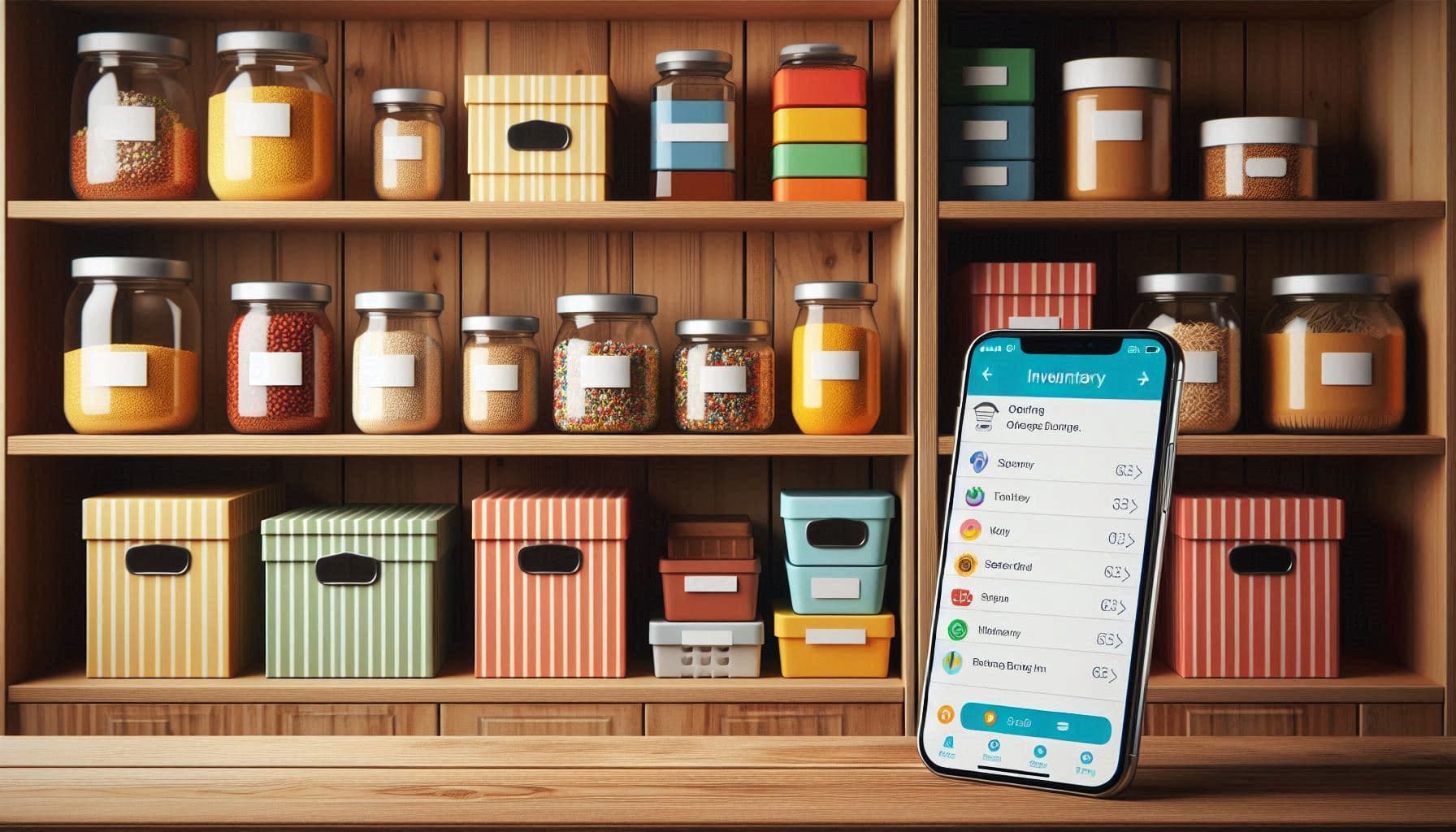
Une application d'inventaire de placard est un outil nume9rique qui suit les aliments dans votre cuisine (placards, frigo et conge9lateur). Elle re9pond e0 trois questions:
- Qu'est-ce que j'ai? Une liste consultable de tout ce qui est dans votre cuisine
- Of9 est-ce? Organise9 par emplacement (placards, frigo, conge9lateur, e9tage8re e0 e9pices)
- Quand est-ce que e7a pe9rime? Des alertes avant que les aliments ne se ge2tent
Mais les applications modernes vont plus loin:
- Scan de code-barres: Ajout instantane9 des produits
- Suivi des dates: Notifications avant pe9remption
- Inte9gration liste de courses: Ajout automatique quand un produit est bas
- Suggestions de recettes: Recettes e0 partir de ce que vous avez
- Planification des repas: Planifier avec votre inventaire re9el
- Partage familial: Tout le monde met e0 jour le meame inventaire
Pourquoi les listes papier ne marchent pas
Vous vous dites peut-eatre: "Je note tout sur une feuille". Voici pourquoi e7a ne tient pas:
Les listes deviennent vite fausses
Une liste papier demande une mise e0 jour e0 chaque utilisation. En re9alite9, personne ne coche "pe2tes" quand il prend un paquet. En une semaine, la liste ne refle8te plus rien.
Aucun rappel de pe9remption
Le papier ne vous dira pas que le yaourt pe9rime demain. Quand vous vous en rendez compte, il est parfois de9je0 moisi.
Pas de recherche
"On a du cumin?" Avec le papier, il faut ve9rifier le placard. Avec une app, vous cherchez et vous savez.
Proble8mes de synchro dans le foyer
Votre partenaire voit qu'il n'y a presque plus de lait et en ache8te. Vous ne le voyez pas sur la feuille et vous en achetez aussi. Re9sultat: trois bouteilles.
On ne sait pas of9 c'est range9
Le papier n'indique pas of9 se trouvent les aliments. Vous savez que vous avez du poulet, mais est-il au frigo ou au conge9lateur?
Fonctionnalite9s cle9 d'une application d'inventaire
Scan de code-barres
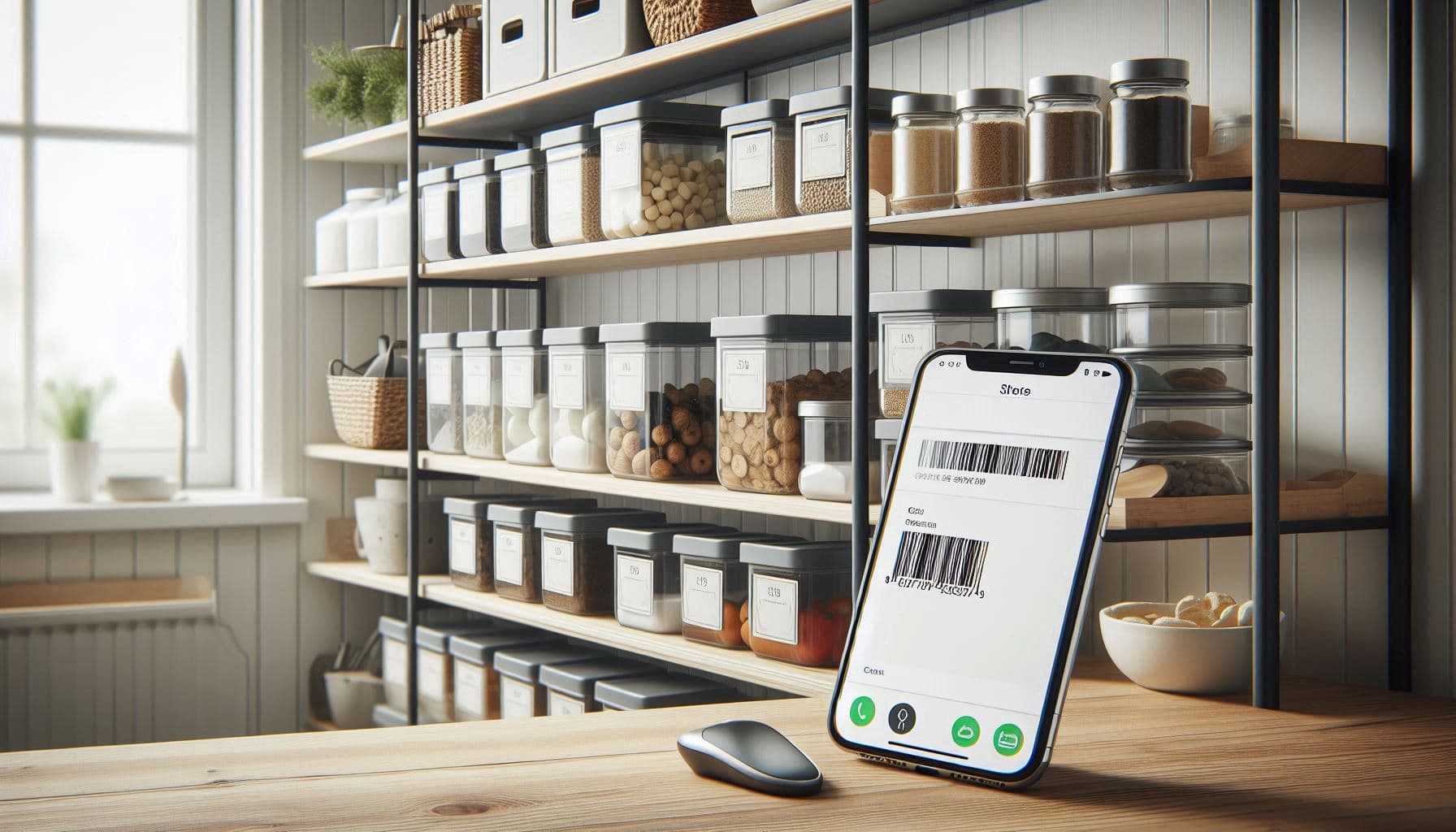
Le moyen le plus rapide d'ajouter des produits est le scan. Vous pointez la came9ra sur le code-barres et l'app:
- identifie le produit
- remplit le nom et la cate9gorie
- propose une dure9e de conservation typique
- l'ajoute e0 l'inventaire
Vous rangez les courses tout en scannant: peut-eatre 2 minutes de plus par sortie.
Suivi des dates de pe9remption
La fonctionnalite9 la plus utile est le suivi des dates. Vous saisissez les dates et l'app:
- affiche ce qui pe9rime bientf4t
- envoie des notifications
- sugge8re d'utiliser d'abord ce qui est e0 consommer vite
- suit vos habitudes de gaspillage dans le temps
Certaines apps utilisent des couleurs: vert (frais), jaune (bientf4t), rouge (e0 consommer/jete9).
Plusieurs emplacements
Les bonnes apps permettent d'organiser par emplacement:
- Placards: e9picerie se8che, conserves, snacks
- Frigo: produits frais, laitages, restes
- Conge9lateur: surgele9s, viande, glace
- c9pices: herbes et e9pices
- Autre: cave, deuxie8me frigo, etc.
Pratique pour cuisiner et pour voir "ce qu'il faut utiliser au conge9lateur".
Alertes "bientf4t e0 racheter"
Au-dele0 des dates, l'app peut suivre les quantite9s. Quand il ne vous reste qu'une boeete de tomates, elle vous le rappelle ou l'ajoute e0 la liste.
Inte9gration liste de courses
Les meilleures apps connectent inventaire et liste:
- les produits bas sont ajoute9s automatiquement
- quand vous cochez un achat, il revient dans l'inventaire
- la liste indique ce que vous avez de9je0 pour e9viter les doublons
Ce circuit ferme9 garde tout e0 jour sans effort.
Inte9gration recettes
Certaines apps sugge8rent des recettes selon vos ingre9dients:
- "Poulet, brocoli, sauce soja: un saute9"
- "Le fromage frais pe9rime dans 2 jours: des barres cheesecake"
Des "ingre9dients au hasard" deviennent des "ide9es de repas".
Comment fonctionne le suivi des dates
Le suivi des dates est plus subtil qu'il n'y paraeet. Une bonne app ge8re:
Diffe9rents types de date
- "c0 consommer de pre9fe9rence avant": qualite9, souvent encore ok apre8s
- "c0 consommer jusqu'au": se9curite9 alimentaire
- "Date limite de vente": repe8re magasin
- "c0 congeler avant": deadline pour congeler
Dure9e de conservation estime9e
Tout n'a pas de date imprime9e. Les produits frais, le vrac et les restes demandent une estimation:
- Bananes: 5 e0 7 jours
- Poulet cuit: 3 e0 4 jours
- Pain: 5 e0 7 jours (plus si congele9)
Apre8s ouverture
Beaucoup de produits durent moins longtemps apre8s ouverture:
- Salsa: 12 mois ferme9e, 2 semaines ouverte
- Beurre de cacahue8te: 1 an ferme9, 3 mois ouvert
- Lait: selon date ferme9e, 5 e0 7 jours ouvert
Suivi conge9lateur
Congeler allonge la dure9e, mais ne stoppe pas tout:
- Viande hache9e: 3 e0 4 mois
- Poulet: 9 e0 12 mois
- Pain: 3 e0 6 mois
Cela e9vite les "myste8res" au conge9lateur.
App de placard vs inventaire ge9ne9ral de la maison
Certaines apps sont centre9es nourriture, d'autres suivent toute la maison. Voici les diffe9rences:
| Fonction | App placard | Inventaire maison |
|---|---|---|
| Suivi dates | 29c85 Cle9 | 29aa0f8f Parfois |
| Base code-barres | 29c85 Optimise9e | 29aa0f8f Limite9e |
| Recettes | 29c85 Souvent | 29d8c Rare |
| Planification repas | 29c85 Souvent | 29d8c Rare |
| Nutrition | 29c85 Parfois | 29d8c Non |
| Non-alimentaire | 29d8c Limite9 | 29c85 Cle9 |
| Garanties | 29d8c Non | 29c85 Oui |
| Documents assurance | 29d8c Non | 29c85 Oui |
Choisissez une app placard si: votre objectif est de re9duire le gaspillage et mieux planifier.
Choisissez un inventaire maison si: vous voulez une app pour tout (nourriture, appareils, etc.).
Mettre en place votre inventaire
Inventaire initial (30 e0 60 minutes)
Oui, le de9marrage prend du temps. Pour aller vite:
Option 1: Tout scanner Sortez tout des placards, du frigo et du conge9lateur. Scannez, puis rangez. Tre8s complet mais long.
Option 2: Scanner au fil de l'eau Commencez e0 vide. Scannez ce que vous achetez/utilisez. En 2 e0 3 semaines, l'essentiel est dans l'app.
Option 3: Hybride Scannez les nouvelles courses quand vous les rangez, puis 10 minutes par jour pour l'ancien stock. En une semaine, c'est fait sans stress.
Organiser par emplacement
Cre9ez des emplacements comme dans votre cuisine:
- Placards (par zones si besoin)
- Frigo (bacs e0 le9gumes, produits laitiers, etc.)
- Conge9lateur (encore plus utile pour les conge9lateurs coffre)
- Autre (e9tage8re e0 e9pices, cave, deuxie8me frigo)
Ajouter les dates
Pour les produits emballe9s, saisissez la date imprime9e. Pour le frais:
- Fruits/le9gumes: estimer selon dure9e typique
- Viande: selon la date ou la date limite de conge9lation
- Restes: date de cuisson + 3 e0 4 jours
- Produits ouverts: marquer "ouvert" et suivre e0 partir de l'ouverture
Gestion au quotidien
Une fois en place, la maintenance prend peu de temps:
Ranger les courses (2 e0 5 minutes)
- scanner en rangeant
- saisir les dates pour le frais
- l'app met e0 jour l'inventaire
Cuisiner (30 secondes)
- retirer ce qui est utilise9 (ou diminuer la quantite9)
- marquer "ouvert" si besoin
Check hebdomadaire (5 minutes)
- regarder "bientf4t pe9rime9"
- planifier des repas pour l'utiliser
- congeler si vous ne pouvez pas
- jeter ce qui est de9je0 pe9rime9
Faire les courses (0 minute en plus)
- avec une liste inte9gre9e, cocher met e0 jour l'inventaire
- pas de double saisie
Comment le suivi re9duit le gaspillage
La visibilite9 change les habitudes
Quand on voit ce qui pe9rime, on l'utilise. Quand c'est au fond du frigo, e7a finit e0 la poubelle. La visibilite9 seule re9duit souvent le gaspillage de 20 e0 30%.
FIFO (premier entre9, premier sorti)
Les apps aident e0 appliquer FIFO:
- trier par date
- utiliser les plus anciens d'abord
- ranger les nouveaux derrie8re
c9vite les achats en double
Avec un inventaire consultable:
- ve9rifier avant d'acheter: "on a du paprika?"
- voir les quantite9s
- e9viter le "je croyais qu'on n'en avait plus"
Facilite la planification
Planifier selon ce que vous avez:
- utilise le stock re9el
- la liste de courses ne contient que ce qui manque
- moins d'ingre9dients oublie9s
Repe8re les patterns
Avec le temps, vous voyez vos habitudes:
- "la salade finit souvent e0 la poubelle"
- "le yaourt pe9rime avant d'eatre fini"
- "cet ingre9dient spe9cial ne sert jamais"
Inventaire et planification des repas
La combinaison inventaire + planification est tre8s efficace:
Suggestions selon le stock
Un planificateur IA relie9 e0 votre inventaire propose des repas e0 partir:
- des ingre9dients de9je0 disponibles
- de ceux qui pe9riment bientf4t
- de vos pre9fe9rences
Moins d'achats, moins de gaspillage.
Listes de courses pre9cises
Quand vous planifiez avec votre stock:
- liste de courses = besoins - stock
- moins de doublons
- moins d'oublis
Gestion des restes
Suivez les restes comme des articles:
- "poulet rf4ti du mardi" avec 3 e0 4 jours
- le plan sugge8re de l'utiliser le lendemain
- rien ne se perd au fond du frigo
Erreurs fre9quentes
Trop de cate9gories
Cre9er 50 cate9gories rend la saisie lente. Gardez simple:
- 5 e0 10 emplacements
- recherche plutf4t que navigation
- laisser l'app ge9rer les cate9gories
Oublier les dates d'ouverture
Apre8s ouverture, beaucoup de produits pe9riment vite. Si possible:
- enregistrer "ouvert le"
- ajuster la date
- distinguer ferme9/ouvert
Ne pas scanner re9gulie8rement
L'inventaire n'aide que s'il est exact:
- scanner en rangeant
- mettre e0 jour en cuisinant
- re9concilier chaque semaine
Suivre trop de de9tails
Vous n'avez pas besoin de suivre chaque grain de riz. Priorisez:
- ce qui pe9rime
- ce que vous oubliez
- les produits chers
Pour diffe9rents foyers
Une personne
- plus de risques de pe9remption
- acheter plus petit
- utiliser les alertes
- congeler des portions
Couples
- partager l'inventaire
- se coordonner apre8s les courses
- liste partage9e pour e9viter les doublons
- planifier e0 deux
Familles
- plus d'articles = plus d'organisation
- les enfants peuvent aider e0 scanner
- se9parer certains emplacements
Batch cooking
- suivre les plats pre9pare9s comme des articles
- dater tout
- appliquer FIFO
- le conge9lateur est essentiel
De9marrer avec Victualia
Preat e0 re9duire le gaspillage? Victualia simplifie le suivi:
- Scanner ou ajouter: code-barres ou saisie manuelle
- Renseigner les dates: alertes avant pe9remption
- Organiser par emplacement: placards, frigo, conge9lateur
- Connecter la planification: l'IA utilise ce que vous avez
- Ge9ne9rer des listes: acheter uniquement ce qui manque
Commencez e0 suivre votre stock sur Victualia.
Foire aux questions
Combien de temps faut-il pour configurer un inventaire?
Le de9marrage prend 30 e0 60 minutes si vous scannez tout. Sinon, faites-le progressivement: scannez en achetant et en utilisant. En 2 e0 3 semaines, l'essentiel est enregistre9.
Le scan code-barres est-il fiable?
Beaucoup d'apps s'appuient sur des bases comme Open Food Facts. Les produits courants marchent bien. Certaines marques ou produits spe9cifiques demandent une correction manuelle.
Et les produits sans code-barres?
Les fruits/le9gumes, le vrac et le fait maison se saisissent manuellement. Les bonnes apps proposent un ajout rapide et me9morisent les produits fre9quents.
Puis-je partager l'inventaire avec ma famille?
Oui. La plupart des apps synchronisent en temps re9el entre appareils.
Comment suivre les restes?
Ajoutez les restes comme un nouvel article ("gratin du mardi") avec une date e0 3 e0 4 jours. Emplacement: frigo.
Est-ce que e7a permet vraiment d'e9conomiser?
Les e9tudes montrent une re9duction du gaspillage de 20 e0 40%. Pour 800
Victualia prend-il en charge le scan code-barres?
Oui, Victualia prend en charge le scan code-barres dans les applications mobiles natives (iOS et Android). Sur le web, il faut saisir manuellement. Scanner en rangeant les courses est le plus rapide.
Comment e9viter les achats en double?
Avec Victualia, vous pouvez rechercher votre inventaire n'importe of9. Avant les courses, ve9rifiez si vous avez de9je0 l'article et en quelle quantite9.
Arreatez de jeter votre argent. De9marrer avec Victualia et reprenez le contrf4le de votre cuisine.
Articles associe9s
- Planificateur de repas hebdomadaire 7 Planifiez avec votre stock et ge9ne9rez la liste.
- Comment re9duire le gaspillage alimentaire 7 Des conseils pour utiliser avant pe9remption.
- Application d'organisation familiale 7 Partagez l'inventaire, les listes et les plans de repas.