App per l'inventario della dispensa: smetti di sprecare cibo e soldi
Scopri come un'app per l'inventario della dispensa ti aiuta a tenere traccia del cibo, ridurre gli sprechi e risparmiare. Confronta le funzionalite0, capisci il tracking delle scadenze e scegli l'app migliore per la tua cucina.
Il costo nascosto di non tracciare la dispensa
Apri la dispensa adesso. Quanti prodotti trovi che sono:
- scaduti o prossimi alla scadenza?
- duplicati perche9 hai dimenticato di averli gie0?
- comprati per una ricetta e mai pif9 usati?
Se sei come la maggior parte delle famiglie, la risposta e8: "pif9 di quanto vorrei".
In media, una famiglia butta il 30-40% del cibo che compra. Non e8 solo spreco: e8 denaro nella spazzatura. Con 800
Un'app per l'inventario della dispensa risolve questo problema dandoti visibilite0 su cif2 che hai davvero in casa.
Victualia ti aiuta a tenere traccia di dispensa, frigorifero e freezer, con avvisi di scadenza per ridurre gli sprechi. Aggiungi prodotti con la scansione del codice a barre, imposta le date di scadenza e genera automaticamente la lista della spesa da cif2 che sta per finire o dal tuo piano pasti settimanale. Inizia con Victualia.
Cos'e8 un'app per l'inventario della dispensa?
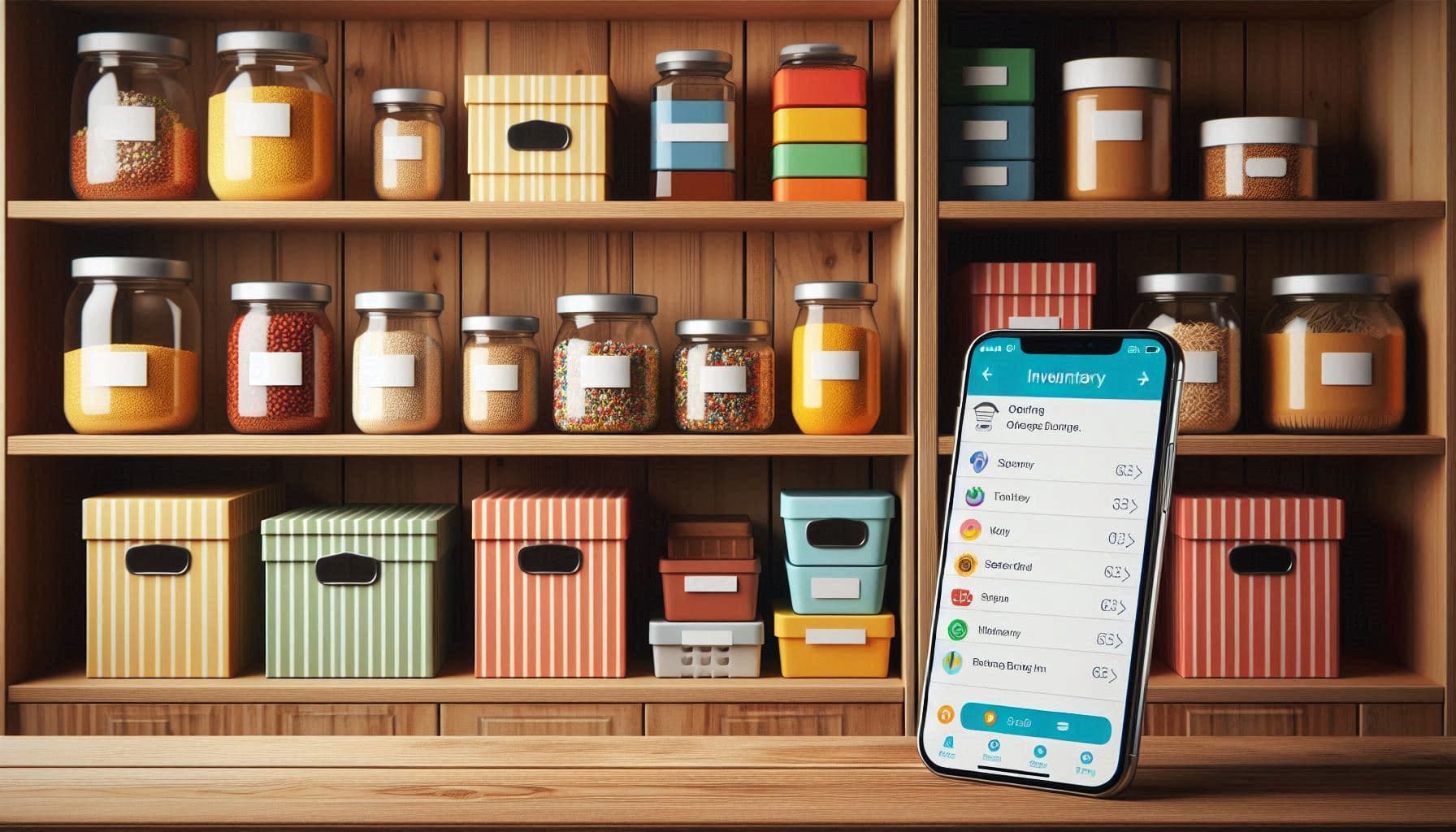
Un'app per l'inventario della dispensa e8 uno strumento digitale per tracciare il cibo in cucina (dispensa, frigorifero e freezer). In pratica, risponde a tre domande:
- Cosa ho? Un elenco consultabile di tutto cif2 che hai in cucina
- Dov'e8? Organizzato per posizione (dispensa, frigorifero, freezer, spezie)
- Quando scade? Avvisi prima che il cibo vada a male
Ma le app moderne fanno anche altro:
- Scansione barcode: Aggiungi prodotti in pochi secondi
- Tracking scadenze: Notifiche prima della scadenza
- Integrazione lista spesa: Aggiunta automatica quando un prodotto sta finendo
- Suggerimenti ricette: Ricette in base agli ingredienti disponibili
- Pianificazione pasti: Pianifica in base all'inventario reale
- Condivisione famiglia: Tutti vedono e aggiornano lo stesso inventario
Perche9 le liste su carta non funzionano
Potresti pensare: "basta una lista attaccata al frigo". Ecco perche9 spesso fallisce:
Diventa subito obsoleta
La carta richiede aggiornamenti manuali ogni volta che usi qualcosa. Nella realte0, nessuno aggiorna la lista quando prende la pasta. Dopo una settimana, e8 inaffidabile.
Nessun avviso di scadenza
La carta non ti ricorda che lo yogurt scade domani. Quando te ne accorgi, e8 gie0 andato.
Nessuna ricerca
"Abbiamo il cumino?" Con la carta devi controllare. Con un'app, cerchi e lo sai subito.
Problemi di sincronizzazione
Il tuo partner vede che il latte e8 quasi finito e lo compra. Tu non lo vedi sulla lista e lo compri anche tu. Risultato: tre confezioni.
Non indica dove si trova
Le liste su carta raramente dicono dove si trova qualcosa. Sai di avere pollo, ma e8 in frigo o nel freezer?
Funzionalite0 chiave delle app di inventario
Scansione del codice a barre
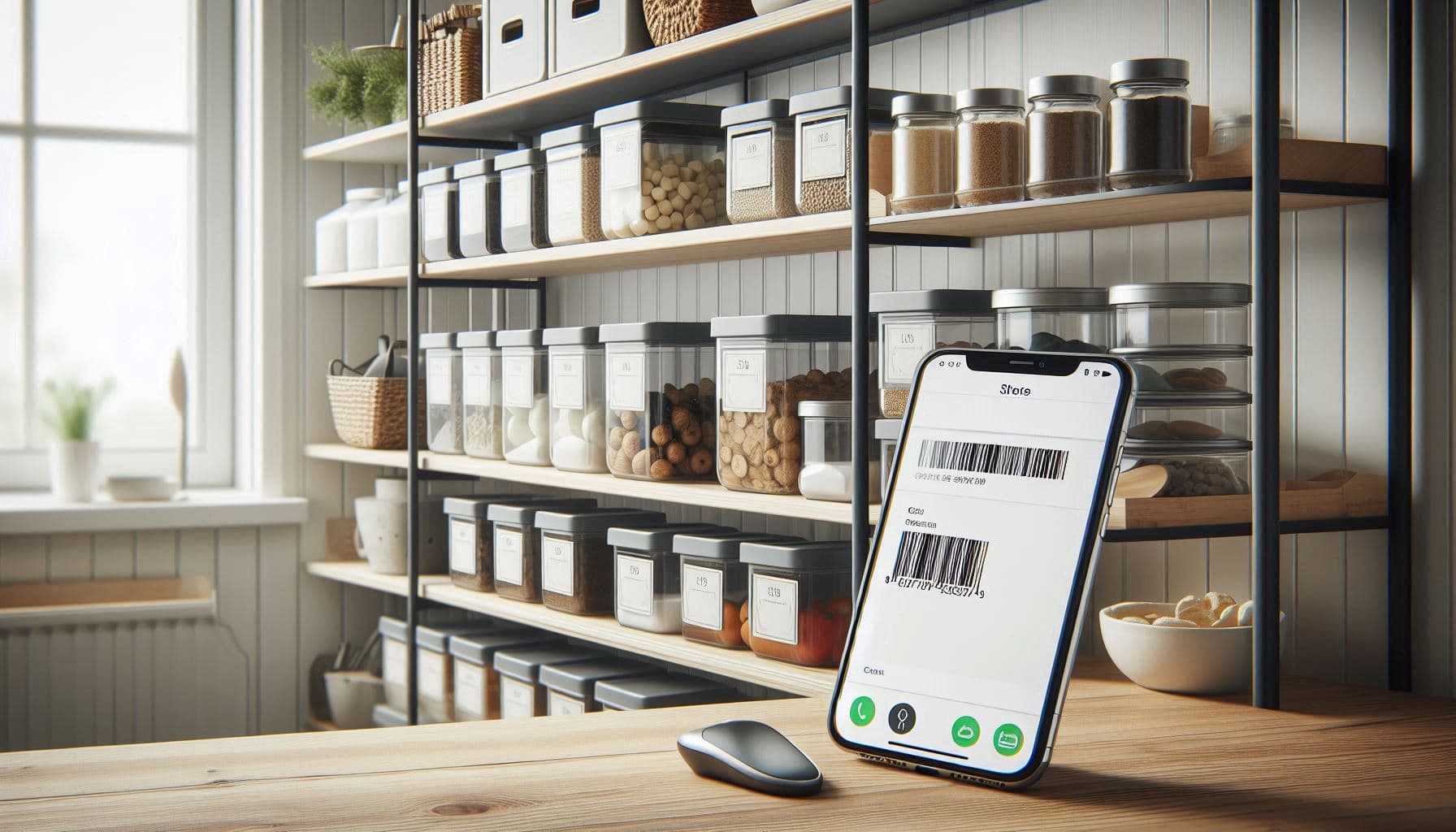
Il modo pif9 veloce per aggiungere prodotti e8 la scansione. Inquadri il barcode e l'app:
- identifica il prodotto
- compila nome e categoria
- suggerisce una durata tipica
- lo aggiunge all'inventario
Cosec "sistemare la spesa" diventa "sistemare e scansionare": forse 2 minuti in pif9.
Tracking delle scadenze
La funzione pif9 utile e8 il tracking delle scadenze. Inserisci le date e l'app:
- mostra cosa sta per scadere
- invia notifiche
- suggerisce di usare prima cif2 che scade
- col tempo evidenzia i tuoi pattern di spreco
Alcune app usano colori: verde (fresco), giallo (da consumare), rosso (scade/scaduto).
Pif9 posizioni
Le buone app organizzano per posizione:
- Dispensa: secco, conserve, snack
- Frigorifero: fresco, latticini, avanzi
- Freezer: surgelati, carne, gelati
- Spezie: erbe e spezie
- Altro: cantina, secondo frigo, ecc.
Utile per cucinare e per capire "cosa usare nel freezer".
Avvisi "sta finendo"
Oltre alle scadenze, alcune app tracciano le quantite0. Quando ti resta una lattina di pomodori, ricevi un avviso o finisce in lista della spesa.
Integrazione con lista della spesa
Le migliori app collegano inventario e lista:
- i prodotti in esaurimento si aggiungono automaticamente
- quando spunti un acquisto, entra in inventario
- la lista mostra cosa hai gie0 per evitare duplicati
Questo ciclo mantiene tutto aggiornato senza sforzo.
Integrazione ricette
Alcune app suggeriscono ricette con cif2 che hai:
- "Hai pollo, broccoli e salsa di soia: prova un saltato"
- "Il formaggio spalmabile scade tra 2 giorni: fai barrette cheesecake"
Trasforma "ingredienti a caso" in "idee per cena".
Come funziona il tracking delle scadenze
Il tracking delle scadenze e8 pif9 complesso di quanto sembri. Le buone app gestiscono:
Tipi di data
- "Da consumarsi preferibilmente entro": qualite0, spesso ok anche dopo
- "Da consumarsi entro": sicurezza
- "Vendere entro": indicazione per il negozio
- "Congelare entro": limite per congelare e prolungare
Durata stimata
Non tutto ha una data stampata. Freschi, sfusi e avanzi richiedono stime:
- Banane: 5-7 giorni
- Pollo cotto: 3-4 giorni
- Pane: 5-7 giorni (di pif9 se congelato)
Dopo l'apertura
Molti prodotti durano meno dopo l'apertura:
- Salsa: 12 mesi chiusa, 2 settimane aperta
- Burro d'arachidi: 1 anno chiuso, 3 mesi aperto
- Latte: secondo data chiuso, 5-7 giorni aperto
Tracking del freezer
Congelare allunga, ma non blocca tutto:
- Macinato: 3-4 mesi
- Pollo: 9-12 mesi
- Pane: 3-6 mesi
Cosec eviti "misteri" bruciati dal freddo.
App dispensa vs inventario generale della casa
Alcune app sono focalizzate sul cibo, altre tracciano tutto in casa. Differenze:
| Funzione | App dispensa | Inventario casa |
|---|---|---|
| Scadenze | 29c85 Centrale | 29aa0f8f A volte |
| Database barcode | 29c85 Ottimizzato | 29aa0f8f Limitato |
| Ricette | 29c85 Spesso | 29d8c Raro |
| Pianificazione pasti | 29c85 Spesso | 29d8c Raro |
| Nutrizione | 29c85 A volte | 29d8c No |
| Non alimentare | 29d8c Limitato | 29c85 Centrale |
| Garanzie | 29d8c No | 29c85 Sec |
| Documenti assicurazione | 29d8c No | 29c85 Sec |
Scegli un'app dispensa se: vuoi ridurre sprechi e pianificare meglio.
Scegli un inventario casa se: vuoi una sola app per cibo, elettrodomestici e altro.
Configurare l'inventario
Inventario iniziale (30-60 minuti)
Sec, all'inizio richiede tempo. Per farlo in modo efficiente:
Opzione 1: Scansiona tutto Tira fuori tutto da dispensa, frigo e freezer. Scansiona e rimetti a posto. Completo ma lento.
Opzione 2: Scansiona man mano Parti da inventario vuoto e scansiona quando compri o usi. In 2-3 settimane, hai quasi tutto.
Opzione 3: Ibrido Scansiona la spesa nuova quando la sistemi e dedica 10 minuti al giorno ai prodotti gie0 presenti. In una settimana sei a posto.
Organizzare per posizione
Imposta posizioni come nella tua cucina:
- Dispensa (eventualmente per scaffali)
- Frigorifero (cassetto verdure, ripiano latticini, ecc.)
- Freezer (ancora pif9 utile nei pozzetti)
- Altro (spezie, cantina, secondo frigo)
Aggiungere date di scadenza
Per i prodotti confezionati, inserisci la data stampata. Per i freschi:
- Frutta/verdura: stima
- Carne: secondo data o "congelare entro"
- Avanzi: giorno di preparazione + 3-4 giorni
- Aperti: segna come aperto e traccia da quel giorno
Gestione quotidiana
Dopo il setup, la manutenzione richiede pochi minuti:
Sistemare la spesa (2-5 minuti)
- scansiona mentre riponi
- inserisci le date per i freschi
- l'app aggiorna l'inventario
Cucinare (30 secondi)
- rimuovi cif2 che usi (o riduci quantite0)
- segna "aperto" quando serve
Controllo settimanale (5 minuti)
- rivedi "in scadenza"
- pianifica pasti per usarli
- congela se non fai in tempo
- elimina cif2 che e8 scaduto
Fare la spesa (0 minuti extra)
- con lista integrata, spuntare aggiorna l'inventario
- niente doppio lavoro
Come il tracking riduce gli sprechi
La visibilite0 cambia le abitudini
Se vedi cosa sta per scadere, lo usi. Se e8 nascosto, va buttato. La sola visibilite0 puf2 ridurre gli sprechi del 20-30%.
FIFO (first in, first out)
Le app aiutano ad applicare FIFO:
- ordina per data
- usa prima i prodotti pif9 vecchi
- metti i nuovi dietro
Evita acquisti duplicati
Con un inventario consultabile:
- controlli prima di comprare
- vedi le quantite0
- eviti "pensavo fosse finito"
Supporta la pianificazione dei pasti
Se pianifichi con l'inventario reale:
- usi cif2 che hai
- compri solo cif2 che manca
- meno ingredienti dimenticati
Traccia i pattern
Col tempo emergono abitudini:
- "butti spesso lattuga"
- "lo yogurt scade prima di finire"
- "quel prodotto speciale non lo usi mai"
Dispensa e pianificazione pasti
Combinare inventario e pianificazione e8 potentissimo:
Suggerimenti basati sull'inventario
Un planner IA collegato alla dispensa suggerisce pasti usando:
- ingredienti gie0 presenti
- prodotti in scadenza
- preferenze
Meno spesa e meno sprechi.
Liste della spesa accurate
Pianificando con l'inventario:
- lista = bisogni - disponibilite0
- meno duplicati
- meno ingredienti mancanti
Gestione avanzi
Traccia gli avanzi come prodotti:
- "pollo arrosto di martedec" con 3-4 giorni
- il planner suggerisce di usarlo il giorno dopo
Errori comuni
Troppa categorizzazione
Troppe categorie rendono tutto lento. Meglio:
- 5-10 posizioni
- cerca invece di navigare
- usa categorie predefinite
Ignorare le date di apertura
Dopo l'apertura, molti prodotti durano poco. Se l'app lo supporta:
- registra "aperto il"
- adatta la scadenza
- distingue chiuso/aperto
Non scansionare regolarmente
L'inventario e8 utile solo se accurato:
- scansiona mentre riponi
- aggiorna mentre cucini
- controllo settimanale
Tracciare troppi dettagli
Non serve tracciare ogni cosa. Concentrati su:
- prodotti che scadono
- prodotti che dimentichi
- prodotti costosi
Per diversi tipi di famiglia
Single
- porzioni piccole = pif9 rischio
- compra confezioni pif9 piccole
- usa le notifiche
- congela porzioni
Coppie
- condividi inventario
- coordina aggiornamenti
- lista condivisa contro duplicati
Famiglie
- pif9 prodotti = pif9 organizzazione
- i bambini possono aiutare
Meal prep
- traccia i piatti preparati
- data tutto
- usa FIFO
- il freezer e8 fondamentale
Iniziare con Victualia
Vuoi sprecare meno e risparmiare? Victualia rende semplice il tracking:
- Scansiona o aggiungi: barcode o manuale
- Imposta le date: avvisi prima che scada
- Organizza per posizione: dispensa, frigo, freezer
- Collega la pianificazione: l'IA usa cif2 che hai
- Genera liste automatiche: compra solo quello che manca
Inizia a tracciare la dispensa su Victualia.
Domande frequenti
Quanto tempo serve per configurare l'inventario?
All'inizio servono 30-60 minuti se scansionare tutto subito. In alternativa, puoi farlo gradualmente: scansiona quando compri e quando usi. In 2-3 settimane avrai quasi tutto.
La scansione barcode e8 accurata?
Molte app usano database come Open Food Facts. I prodotti comuni funzionano bene. A volte prodotti particolari richiedono inserimento manuale.
E i prodotti senza barcode?
Frutta/verdura, sfusi e cibo fatto in casa si aggiungono manualmente. Le buone app hanno inserimento rapido e ricordano i prodotti frequenti.
Posso condividere l'inventario con la famiglia?
Sec. La maggior parte delle app supporta la condivisione e sincronizza in tempo reale.
Come traccio gli avanzi?
Aggiungi gli avanzi come un nuovo prodotto ("pasta del martedec") con scadenza a 3-4 giorni. Posizione: frigo.
Risparmierf2 davvero?
Gli studi mostrano che il tracking puf2 ridurre gli sprechi del 20-40%. Per una famiglia che spende 800
Victualia supporta la scansione del codice a barre?
Sec, Victualia supporta la scansione nelle app mobili native (iOS e Android). Nell'app web serve l'inserimento manuale. Scansionare mentre sistemi la spesa e8 il modo pif9 veloce.
Come evito acquisti duplicati?
Con Victualia puoi cercare nel tuo inventario da ovunque. Prima di comprare, controlla se l'articolo e8 gie0 in casa e quanta quantite0 hai.
Smetti di buttare soldi. Inizia con Victualia e prendi il controllo dell'inventario in cucina.
Articoli correlati
- Meal planner settimanale 7 Pianifica con cif2 che hai e genera la lista.
- Come ridurre lo spreco alimentare 7 Consigli pratici per usare prima che scada.
- App organizzatore famiglia 7 Condividi inventario, liste e piani con la famiglia.