MCP Server for Home Management: Connect Claude to Your Household Data
Learn how MCP (Model Context Protocol) servers enable AI assistants like Claude to manage your home inventory, meal plans, and shopping lists. Discover how Victualia's MCP integration revolutionizes home automation.

What is MCP (Model Context Protocol)?
MCP, or Model Context Protocol, is a groundbreaking standard that allows AI assistants like Claude to connect directly to external data sources and tools. Think of it as a universal translator between AI models and real-world applications.
Before MCP, getting an AI assistant to work with your personal data required complex custom integrations. Now, with MCP servers, any application can expose its data and functionality to AI assistants in a standardized, secure way.
MCP creates a standardized bridge between AI assistants and your applications
Why MCP is Different from Traditional APIs
Traditional smart home APIs require you to:
- Write custom code for each integration
- Handle authentication and data formatting manually
- Build separate interfaces for each AI model
MCP changes this by providing:
- Standardized protocol: One integration works across multiple AI assistants
- Real-time context: AI gets live access to your data, not outdated snapshots
- Two-way communication: AI can not just read but also take actions
- Secure by design: Fine-grained permission controls
Why MCP Matters for Home Management
Home management involves dozens of interconnected tasks: tracking what's in your pantry, planning meals, creating shopping lists, scheduling chores, and more. Until now, even the smartest AI assistants couldn't help effectively because they lacked access to your actual household data.
With MCP, you can have conversations like:
You: "What can I make for dinner tonight with what I have?"
Claude: checks your actual pantry inventory through MCP "Based on your inventory, you have chicken, pasta, and tomatoes. I'd suggest chicken pasta with marinara. You're low on garlic though—want me to add it to your shopping list?"
This isn't hypothetical—it's exactly what Victualia's MCP server enables.
The Power of Connected Data
Traditional meal planning apps work in isolation. You enter your preferences, and they generate generic suggestions. But with MCP-connected home management:
- Your pantry inventory is live data, not something you need to re-enter
- Shopping lists update automatically based on what you actually need
- Meal plans consider what's expiring soon to reduce waste
- AI learns your family's actual preferences over time
How Victualia's MCP Server Works
Victualia is one of the first household management apps to offer a native MCP server integration. Here's what it enables:
Available Tools
When you connect Claude to Victualia through MCP, it gains access to these capabilities:
| Tool | Description |
|---|---|
get_items | View your current inventory across all locations |
get_recipes | Access your recipe collection |
get_meal_plans | See your current meal plan |
get_shopping_lists | View all shopping lists |
add_to_shopping_list | Add items to your shopping list |
search_recipes | Find recipes by ingredients or criteria |
Real-Time Data Access
Unlike traditional integrations that sync periodically, MCP provides real-time access. When you ask Claude "What's about to expire?", it queries your actual, current inventory—not a cached copy from hours ago.
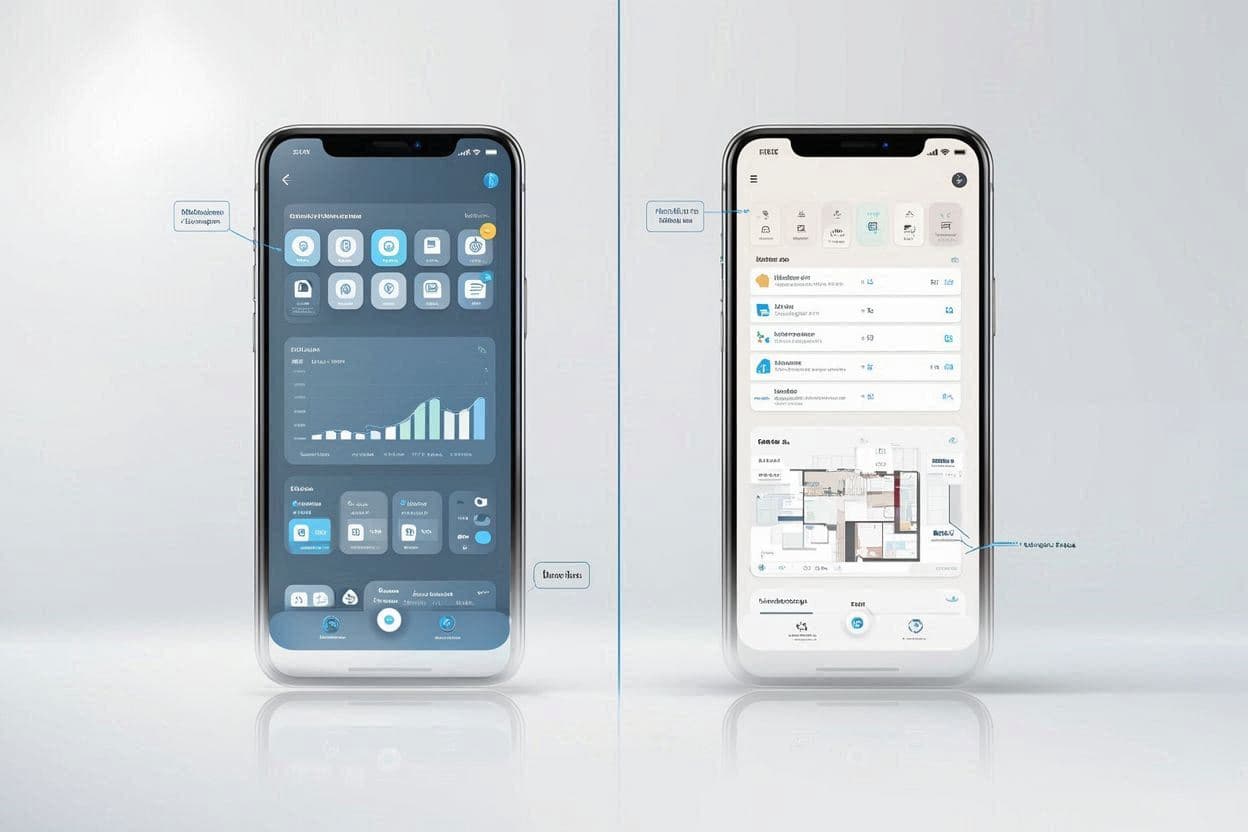
Claude accessing live household data through Victualia's MCP server
Use Cases: Transforming Daily Home Management
1. Intelligent Meal Planning
Instead of spending 30 minutes planning weekly meals:
"Claude, plan my meals for the week. Use up the chicken that expires in 2 days, and I have guests coming Saturday who are vegetarian."
Claude accesses your inventory, checks dietary preferences, and generates a complete meal plan optimized for your actual situation.
2. Smart Shopping Lists
No more manual list-making or forgetting items:
"What do I need from the store to make the meals you planned?"
Claude cross-references your meal plan with your current inventory and generates a precise shopping list—no duplicates, no missed items.
3. Inventory Queries
"Do I have enough pasta for both Tuesday and Thursday dinners?"
Instead of guessing or checking the app, Claude gives you an instant, accurate answer.
4. Waste Reduction
"What should I cook this week to use things before they expire?"
Claude analyzes expiration dates across your entire inventory and suggests recipes that minimize waste.
Setting Up Victualia's MCP Server
Prerequisites
- A Victualia account (Pro or Premium plan)
- Claude Desktop app or another MCP-compatible AI client
- API access enabled in your Victualia settings
Step 1: Generate Your API Key
- Log into Victualia
- Navigate to Settings → API Keys
- Click Create API Key
- Copy and securely store your key
Step 2: Configure Claude Desktop
Add Victualia to your Claude Desktop MCP configuration:
{
  "mcpServers": {
    "victualia": {
      "command": "npx",
      "args": ["victualia-mcp-server"],
      "env": {
        "VICTUALIA_API_KEY": "your-api-key-here"
      }
    }
  }
}
Step 3: Verify the Connection
Restart Claude Desktop and ask:
"Can you see my Victualia inventory?"
If configured correctly, Claude will confirm access to your household data.
Comparison: MCP vs Traditional Smart Home APIs
| Feature | Traditional APIs | MCP |
|---|---|---|
| Setup complexity | High (custom code) | Low (standard config) |
| AI compatibility | One model at a time | Multiple AI assistants |
| Data freshness | Periodic sync | Real-time |
| Two-way actions | Limited | Full support |
| Context awareness | Manual prompting | Automatic |
The Future of AI-Powered Home Management
MCP represents a fundamental shift in how we interact with household management tools. Instead of:
- Opening apps to check information
- Manually updating inventories
- Creating shopping lists by hand
- Planning meals in isolation
We can simply have natural conversations with AI assistants that have full context about our homes.
What's Coming Next
Victualia is continuously expanding MCP capabilities:
- Scheduled tasks and reminders via AI
- Multi-home support for managing different properties
- Recipe creation directly through conversation
- Automated reordering when items run low
Get Started with MCP Today
Ready to experience the future of home management? Here's how:
- Sign up for Victualia at victualia.app
- Enable API access in your account settings
- Connect your AI assistant using our MCP server
- Start managing your home through natural conversation
Frequently Asked Questions
Is my data secure with MCP?
Yes. MCP connections are encrypted, and you control exactly what data the AI can access through your API key permissions.
Do I need technical skills to set this up?
Basic familiarity with configuration files helps, but our step-by-step guide makes it accessible. Most users complete setup in under 10 minutes.
Which AI assistants support MCP?
Currently, Claude (via Claude Desktop) has the best MCP support. Other AI providers are expected to add MCP compatibility in 2025.
Does this replace the Victualia app?
No—the app remains your primary interface for detailed management. MCP adds a conversational layer on top, perfect for quick queries and actions.
Ready to connect AI to your home? Get started with Victualia and experience MCP-powered home management today.